ImaginCAT classic novels, illustrated scene by sceneillustrated classics
AuthorCAT

AuthorCAT / Compare

The ideal tool for novelists: which parts of it six AI apps already have

yes partly no

AI apps for writing a novel: who does what.
newest first →launched · users AuthorCAT NEW, Oct 2026 · n/a Novelcrafter Late 2023 · 252K+ authors Squibler Nov 2023 · 20K+ writers NovelistAI Jan 2023 · 68K+ creators Sudowrite Nov 2021 · 300K+ authors NovelAI Jun 2021 · n/a
Writing
Drafts scenes & chaptersyou lead, the AI writes Yes, scene by sceneYes, from your scene beatsYes, section by sectionYes, page by pageYes, scenes and chaptersContinues text; takes instructions
Writes the novel from your planyour plan; the AI writes it scene after scene Yes, autopilot follows your planNo, you run each sceneFrom an AI outline you editOne chapter per clickOne chapter at a timeNo
AI agent team on the whole novelthey read the full book, do multi-step jobs Yes: drafts, proofreading, translationNo, chat onlyOne agent, no teamNoOne chat agent, no teamNo
Plot outline & structure Yes: idea, synopsis, scene planYes: grid, matrix, outlineYes, with a corkboardYou outline, the AI advisesYes, plus structure templatesNo
Story simulationplay out plot decisions before writing Yes, you play the hero’s choicesNoNoNoNoText adventure, but no plan
Editing, proofreading & polishwith an AI agent, not just “rewrite” Yes, an agent goes through the whole bookRewrites a selection; chat feedbackWhole-book edits; no proofreadingRewrites one page at a timeYes: Feedback and Beta ReadRewrites selected text
Voice → textdictate or upload a recording Yes, into the draft or a scene plan; xAI, OpenAI or Gemini keyNoNoNo, it only reads aloudYes, in the mobile appNo, it only reads aloud
Memory & analysis
Self-updating novel memorylore, characters, places, plot recap Yes, after every sceneCodex, kept by handCards, kept by handLast 5 pages; more on PremiumStory Bible, updated on requestLorebook, kept by hand
Text the AI sees at oncecontext window Up to 2Mtokens, via OpenRouterUp to 2Mtokens, via OpenRouterNo numberSquibler doesn’t publish oneUp to 1.3Mtokens; 1M on the top models40K words20K earlier + 20K current doc~29Ktokens, on the top plan
Draft you can loadsize of your manuscript Any sizefiles up to 100 MB eachWhole novel.docx or Markdown200K+ wordsDOCX, PDF, Markdown, TXTNo importyou start inside the appWhole novelimport tuned for ~120K wordsPaste onlyany length, no file import
Deep novel analyticstension curve, metro map* Yes: tension curve, metro mapCharacter heatmap, word countsNo, only word countsNoWritten reports, no chartsNo
The book
Illustrations on your AI planno image credits Yes, on your ChatGPT plan or OpenAI keyNo image generationYes, unlimited on paid plans1–15 credits per image2,500+ credits per imageAnlas credits; free on top plan
Translates a whole novel Yes, chapter by chapter, one glossaryNoThrough chat, piece by pieceNoNoNo
Writes in many languagesand how well Yes: prompts written for 5 languagesYes, any the model knowsYes, but best in EnglishYesYes, but slips into EnglishBest in English, Japanese, Chinese
Export formatsEPUB · DOCX · PDF EPUB, DOCX, PDF, FB2Word, Markdown; no EPUBPDF and Word, paid plans onlyPDF, EPUB, TXTWord onlyNo, plain .txt only
AI & price
Runs on your ChatGPT/Claude planno credits, no per-token bill Yes: Claude, ChatGPT, Google AI, SuperGrokNo, API key onlyNo, its own creditsNo, its own creditsNo, its own creditsNo, its own models
Or your own API key Yes: Anthropic, OpenAI, Gemini, xAI, OpenRouterYes: OpenRouter, OpenAI, local modelsNoNoNoNo
See which AI writes · top modelsmodel shown, chosen per job Yes, you pick one per jobYes, you pick one per promptNo, models aren’t namedYes, you pick one per bookYes, 30+ models to pick fromIts own models only
Price / monthcheapest paid plan with AI Free in beta+ AI key or ChatGPT/Claude plan$8+ what your AI key costs$16paid yearly; $29.99 monthly$9paid yearly; $12 monthly$10paid yearly; $19 monthly$10Tablet plan, monthly

Swipe the table sideways on a phone.

I've been writing novels for a long time, but I'd used AI only a little, mostly in chats with ChatGPT and Claude. The AuthorCAT team asked me to look at apps that write a novel together with the author. Before opening any of them, I let myself dream a little.

What the ideal tool would be

The ideal is simple. I sketch a draft in text or by voice and get back a finished, coherent novel in the style I asked for. Consistent (no contradictions, the same characters in the last chapter as in the first) and, above all, interesting to both the author and the reader. A novel that fully develops the author's ideas and gives his imagination room, while taking the dull routine and the heavy lifting off his hands. Broken into parts, the dream looks roughly like this:

  1. No limits. No credits, no censorship, no length cap: a short story or a 200,000-word novel, either one.
  2. It holds the context and updates the canon itself. It remembers the whole book, keeps the novel's style steady, and after every new scene it updates the record of facts on its own: who is alive, who is where, who knows what.
  3. Manual mode and autopilot. I do everything interesting, the AI does everything boring. But authors find different things boring (I love fast-moving scenes, intrigue and philosophical digressions, and can't stand the connective tissue: transitions between scenes and locations), so I should be able to move that line.
  4. Any kind of input. A sketch in text, a voice recording, a finished manuscript I want to continue or rewrite.
  5. It answers any question about the book, finds logic errors, inconsistencies, plot threads left hanging and Chekhov's guns that never fire, and proofreads the whole book, not one paragraph at a time.
  6. Analytics and visualization. Where the plot sags, which character vanished for ten chapters.
  7. Illustrations: beautiful and varied, in different kinds of shots, but in one style, with the same look for the characters and places in every chapter.
  8. Freedom of choice: any language, any model, any device. And good prose not only in English. I know that writing tools often give only the appearance of a language choice. You can list a hundred languages, but if all the prompts (the instructions to the model) are in English, the model still thinks and writes in English, so the language choice is only nominal. In a good tool the prompts, the model's intermediate reasoning, the canon and the drafts are all in the language of the novel.
  9. Top models and flexible context. The option to work with top AI models and to fine-tune the context for every step.

I took this list with me and checked each app against it. The apps go in order of launch year, oldest first.

Six apps

NovelAI

NovelAI runs on models from its own lineup and continues the text the author started. It has a free tier, but my account didn't get the trial ("not eligible for the free trial"), so from there I went through the plans and the help pages.
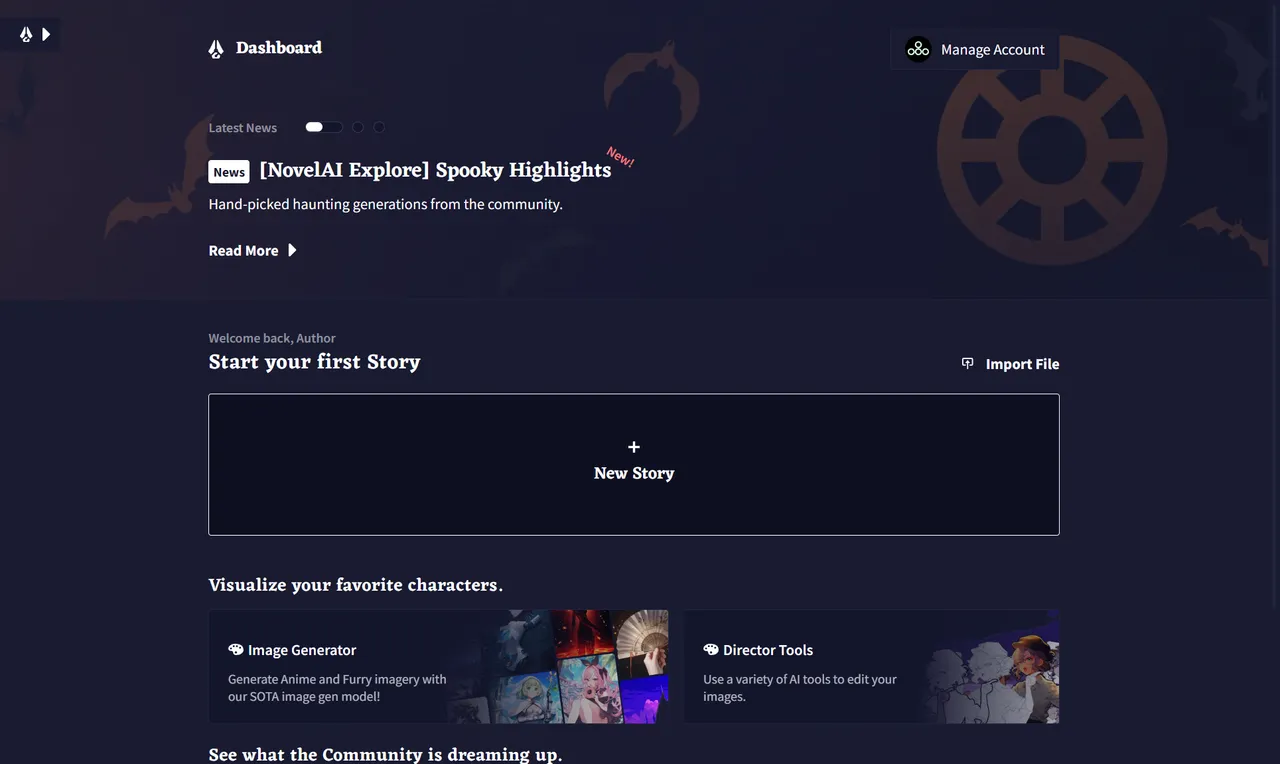
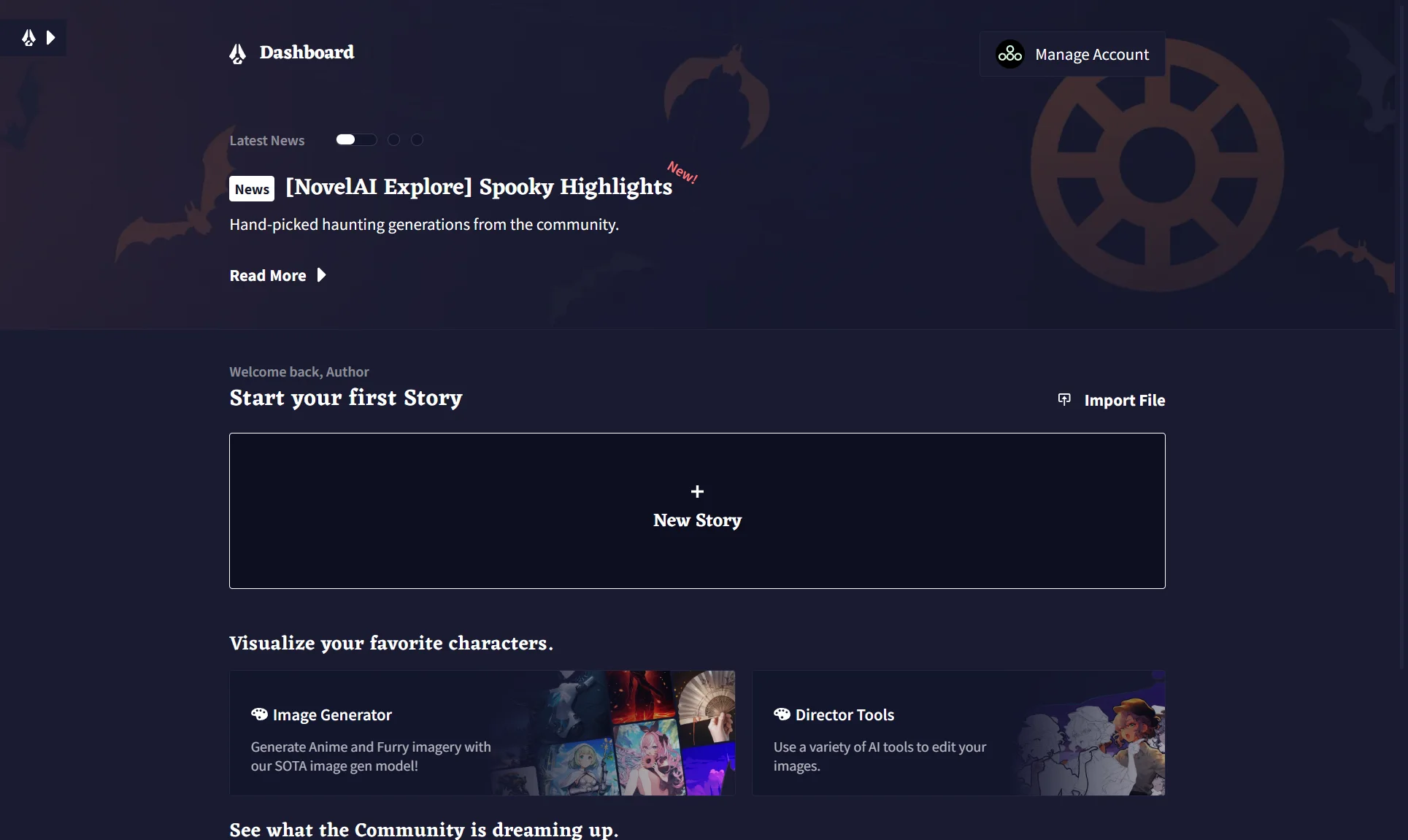
NovelAI — screen 1
NovelAI — screen 1
NovelAI — screen 1 Swipe across the picture to look closer Open the full-size file

Pros

  • Unlimited text on any paid plan, from $10 a month.
  • Free Paper tier: 50 text generations and 30 images.
  • Text Adventure mode: I write what the hero does, the AI moves the plot. Images cost subscription credits and are free on the top plan.

Cons

  • The AI sees about 29,000 tokens (roughly 21,000 English words), even on the top plan. It can't hold a whole novel.
  • The Lorebook (the record of facts) is kept by hand, and there is no plot outline. A manuscript can only be pasted into the editor: import accepts only NovelAI's own files.
  • Only models from the NovelAI lineup: Xialong, GLM-4.6, Erato, Kayra. My guess is that these are hardly top models on the level of Fable 5.2 or GPT-6 Astra.
  • No analytics. The book exports only to .txt.
Sudowrite

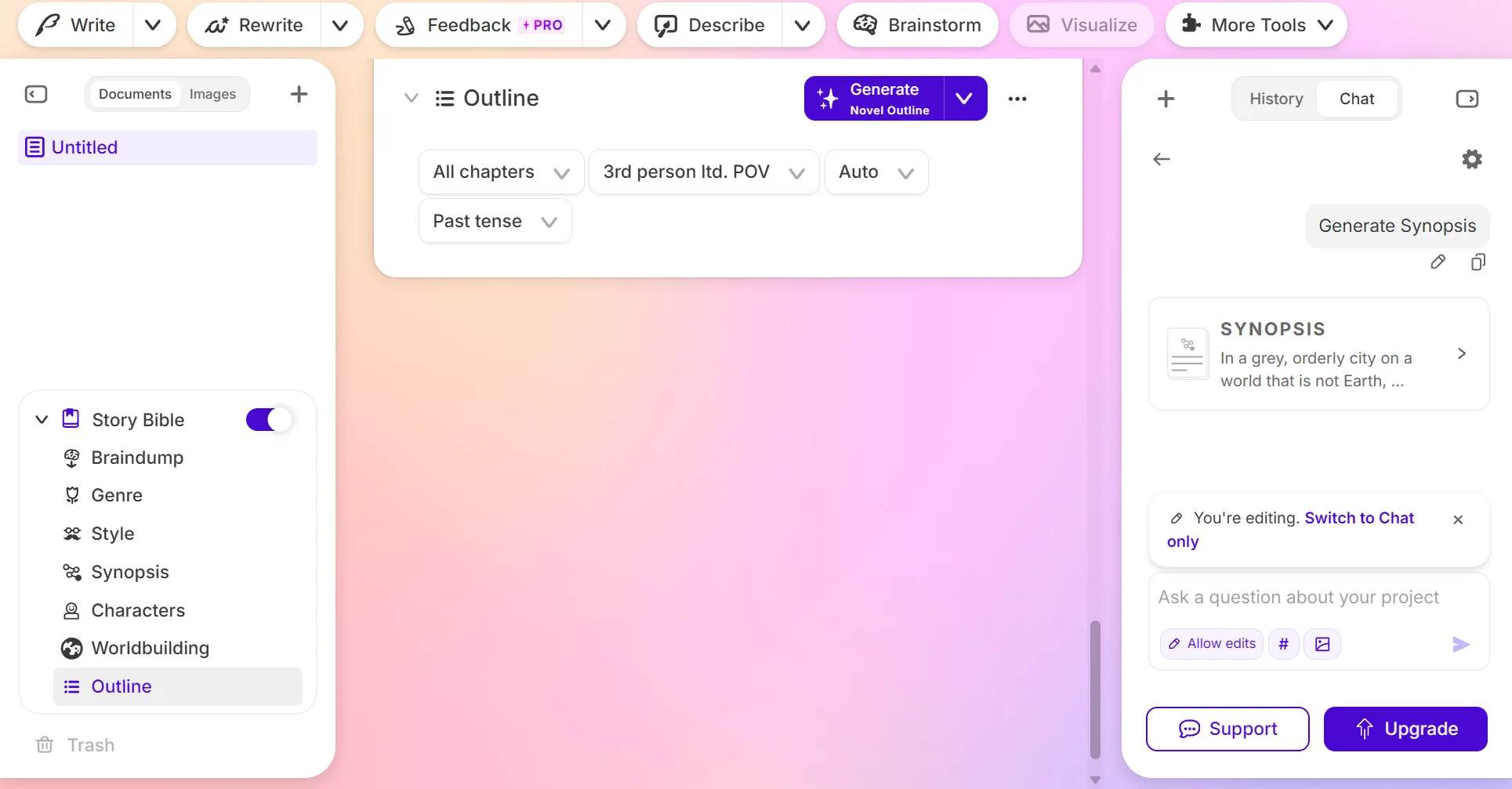
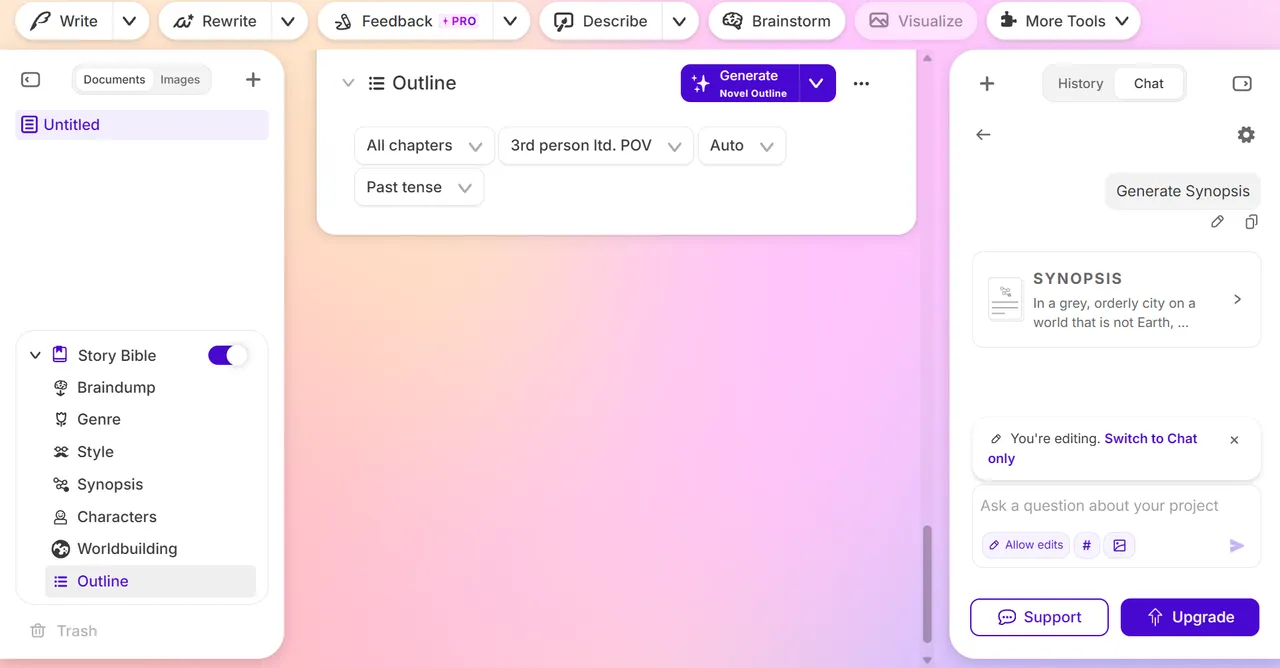
I put my idea into the Story Bible (Sudowrite's name for the book's record of facts), and a wizard walked me through the steps: synopsis, an outline of twenty-odd chapters, scene plans for chapter one. That's where the trial credits ran out, so I never got to the prose.

Sudowrite — screen 2
Sudowrite — screen 2 Swipe across the picture to look closer Open the full-size file
Sudowrite — screen 3
Sudowrite — screen 3 Swipe across the picture to look closer Open the full-size file

Pros

  • Open to everyone since 2021, with more than 300,000 authors.
  • Voice: a mobile app with dictation.
  • Book review: Feedback works on a scene, a chapter or the whole book, and Beta Read gives notes from three AI readers. This is analytics in words, there are no charts. You can also ask about the project in chat.
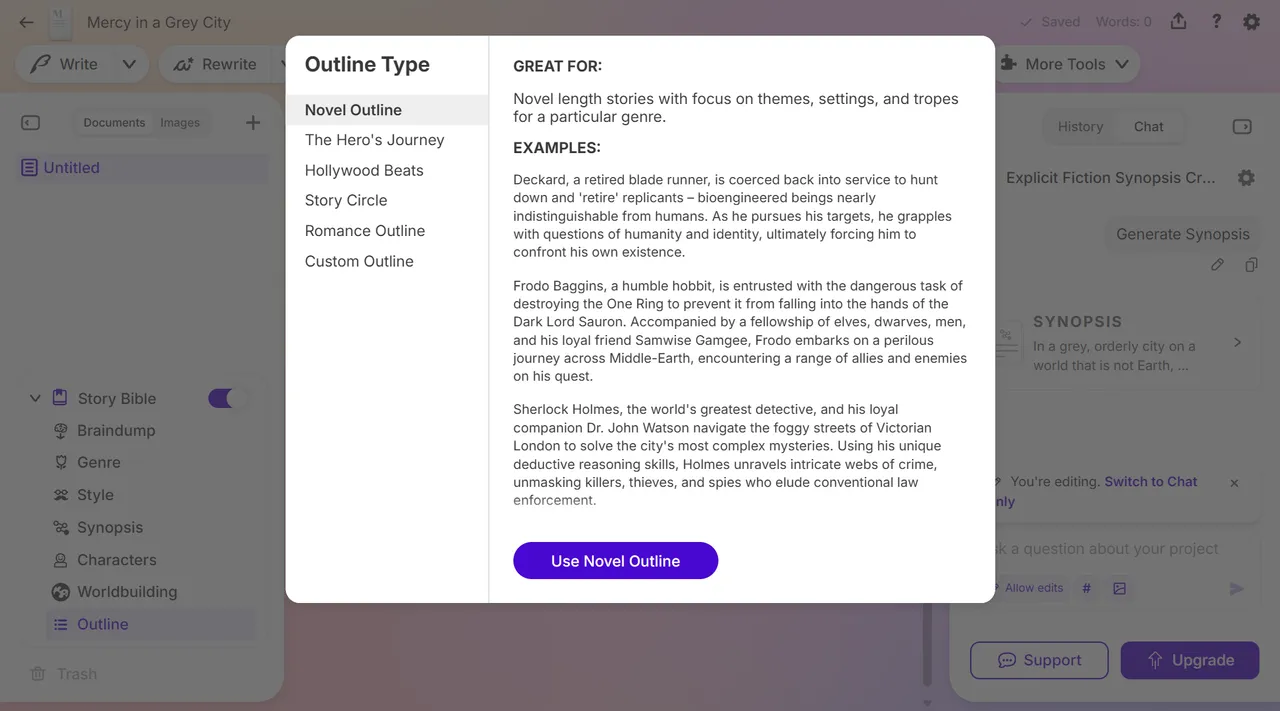
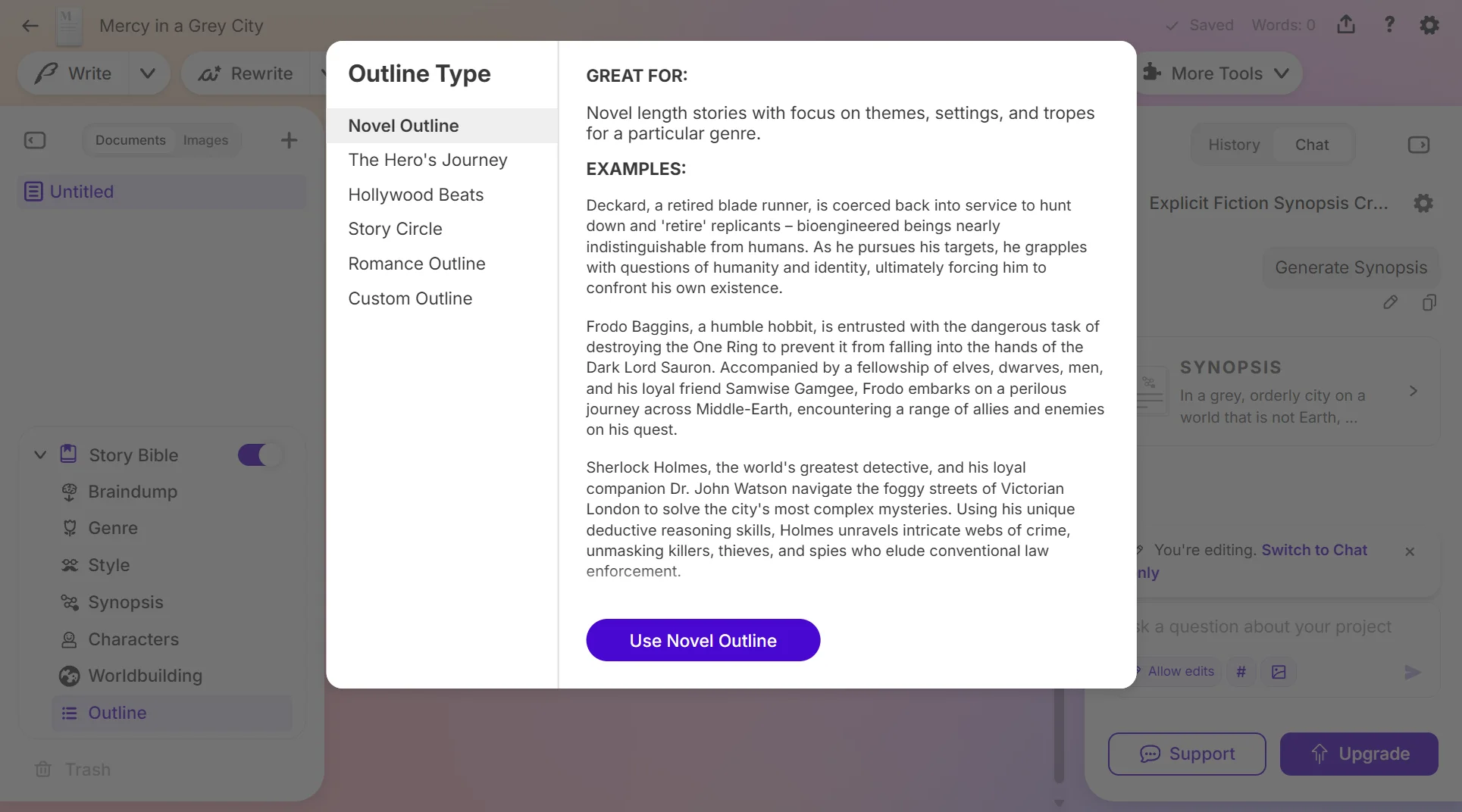
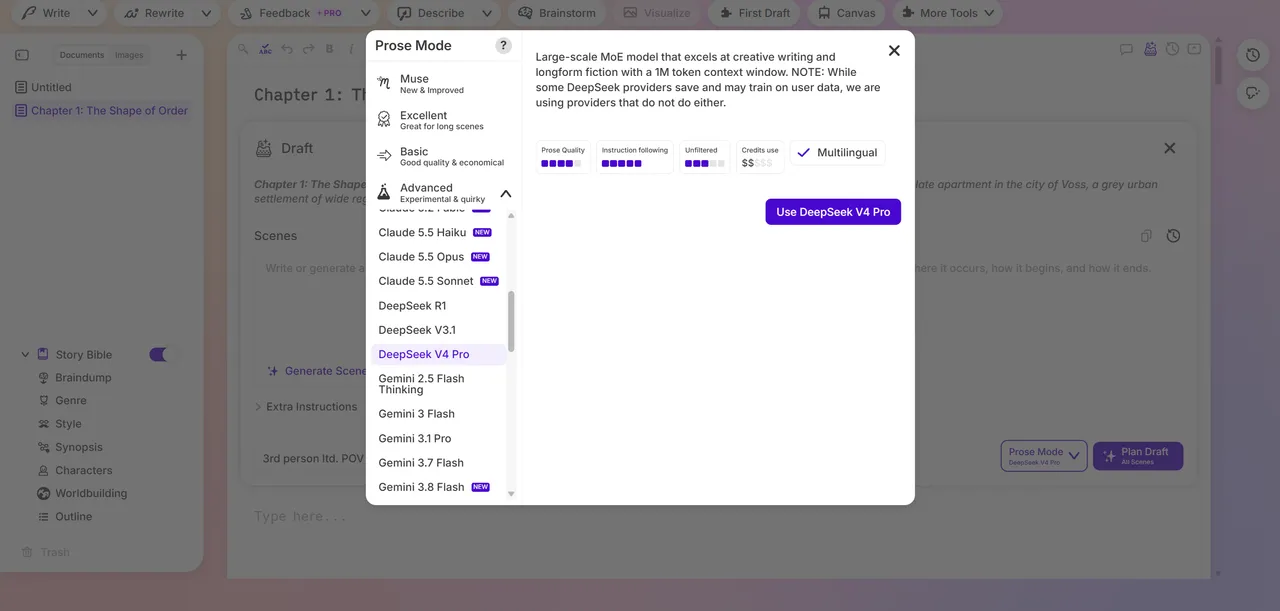
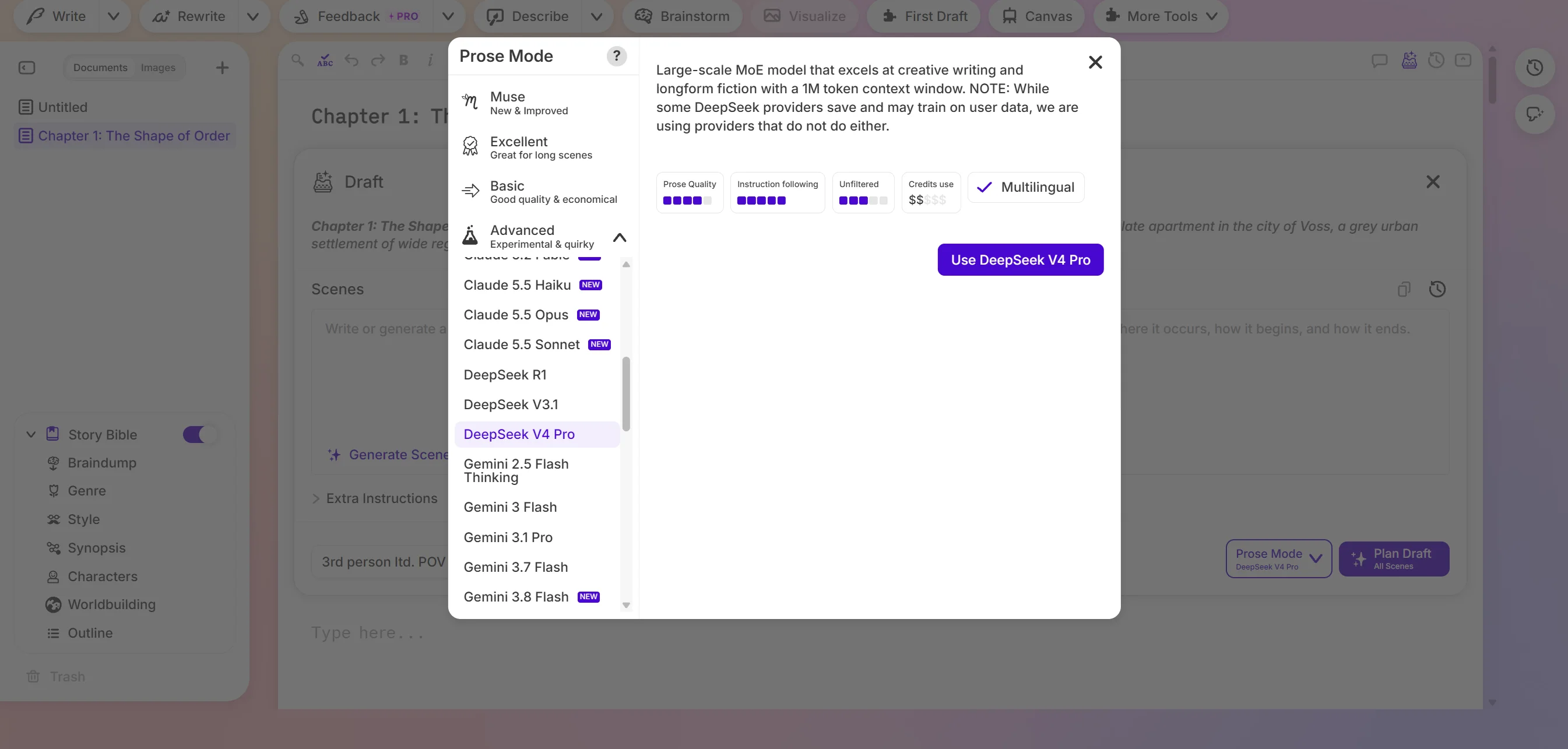
  • Dozens of models to choose from, and the Unfiltered scale shows how filtered each one is. You can upload a finished novel in full, and outlines come with structure templates (Hero's Journey, Story Circle and others).
Sudowrite — screen 4
Sudowrite — screen 4 Swipe across the picture to look closer Open the full-size file

Cons

  • Only its own credits: no way to connect a ChatGPT or Claude subscription or your own key. One image costs from 2,500 credits.
  • Draft writes one chapter at a time and doesn't write the whole book straight through. The Story Bible updates on request, not by itself.
  • Feedback and Beta Read are only on the Professional and Max plans. Export to .docx, no EPUB or PDF.

NovelistAI

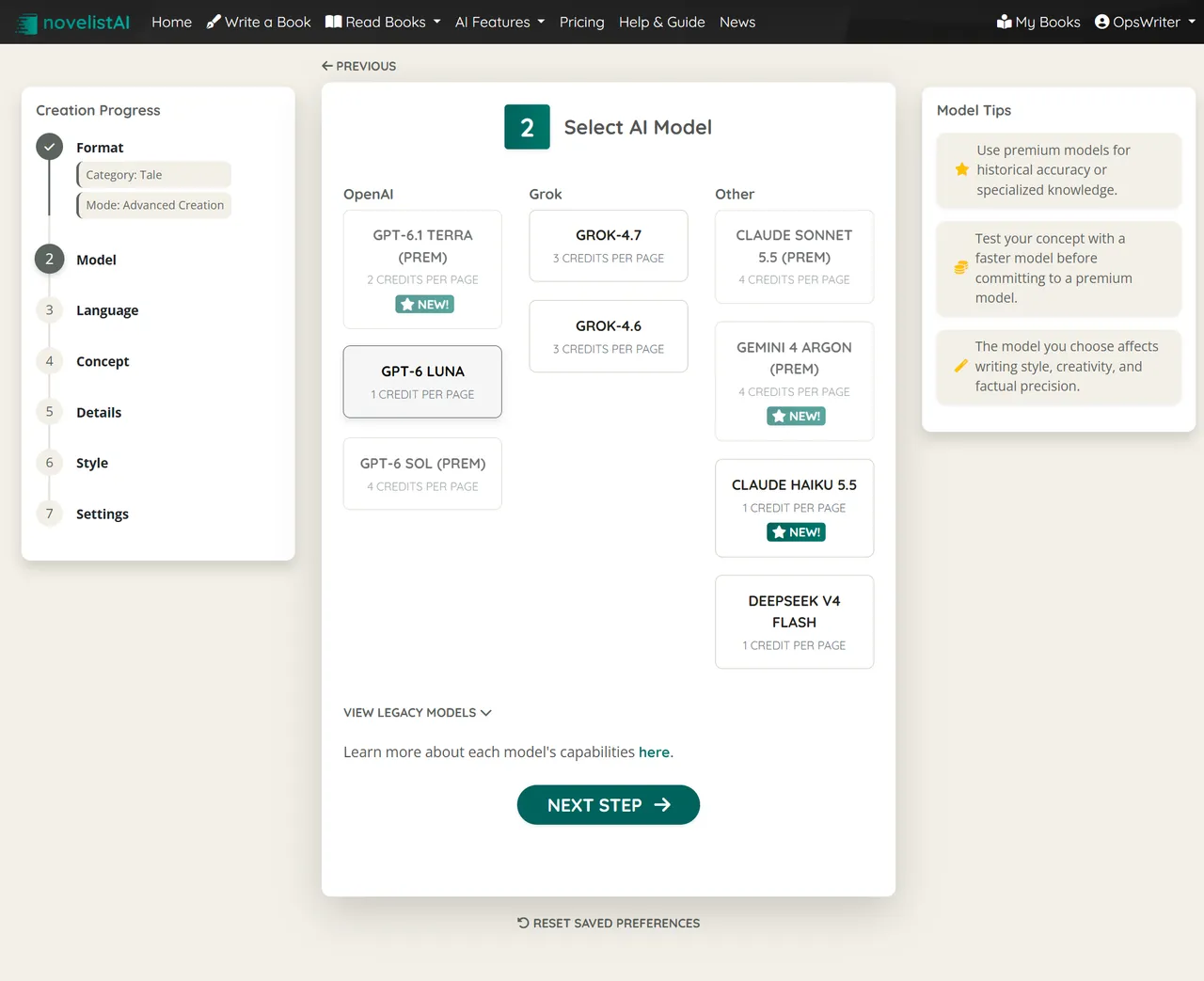
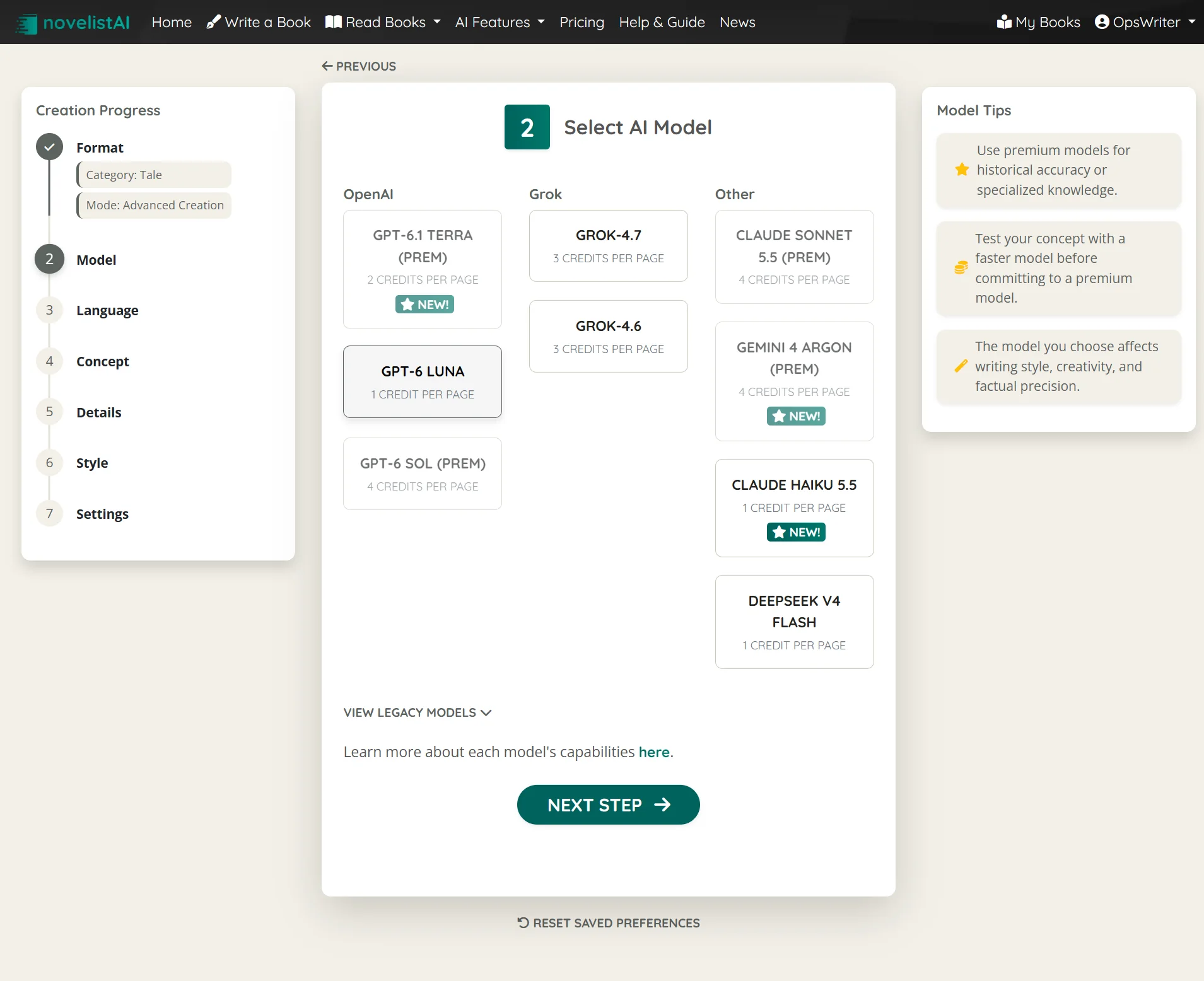
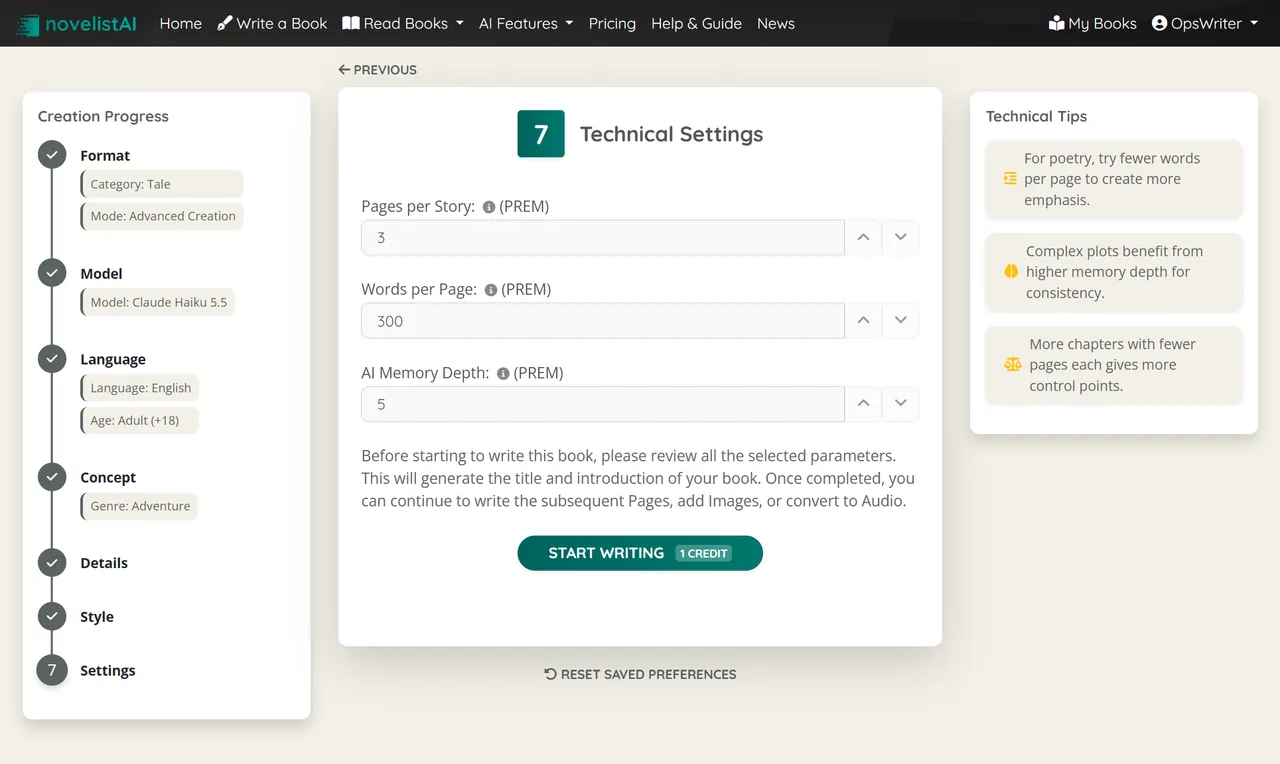
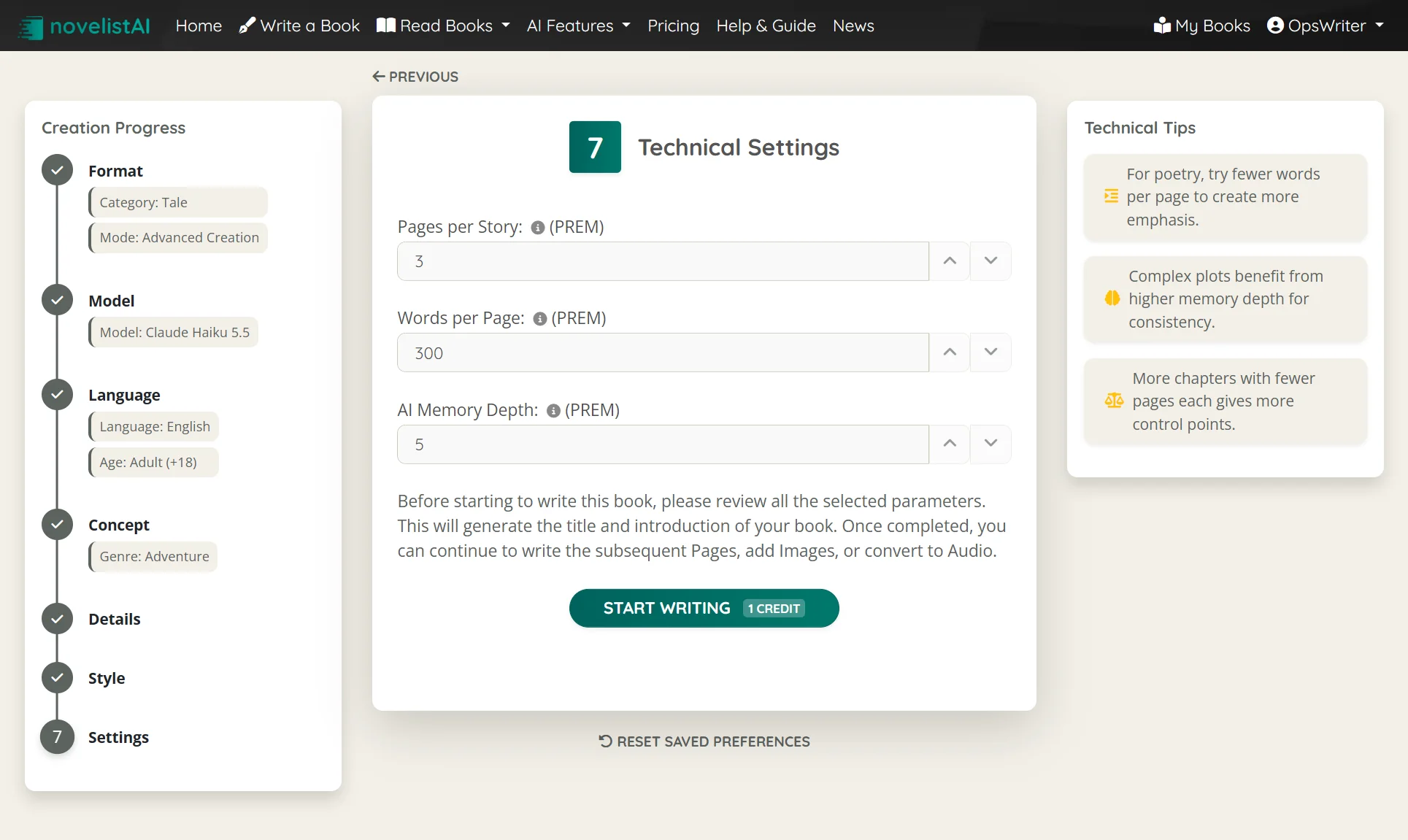
NovelistAI writes novels and gamebooks. From my list, it lets me choose the model, and getting started is easy. I went through a seven-step wizard: format, model, language, genre, style, length and more. The free plan allows only a short story, the length fields open on Premium.

NovelistAI — screen 5
NovelistAI — screen 5 Swipe across the picture to look closer Open the full-size file
NovelistAI — screen 6
NovelistAI — screen 6 Swipe across the picture to look closer Open the full-size file

Pros

  • The wizard walks you through every setting, and "Write Full Chapter" finishes a chapter with one button.
  • The model is chosen per book (Claude, GPT, Gemini, DeepSeek, Grok), and a page can be rewritten with another one. It works in many languages.
  • Export to PDF, EPUB, TXT and an MP3 audiobook. Entry price $9 a month, billed yearly.

Cons

  • You can't upload your own draft: the book starts inside the app.
  • Memory is the last 5 pages, more on Premium. No character cards, no timeline, no analytics.
  • No scene plan, it runs only on the app's credits, and images cost credits too.

Squibler

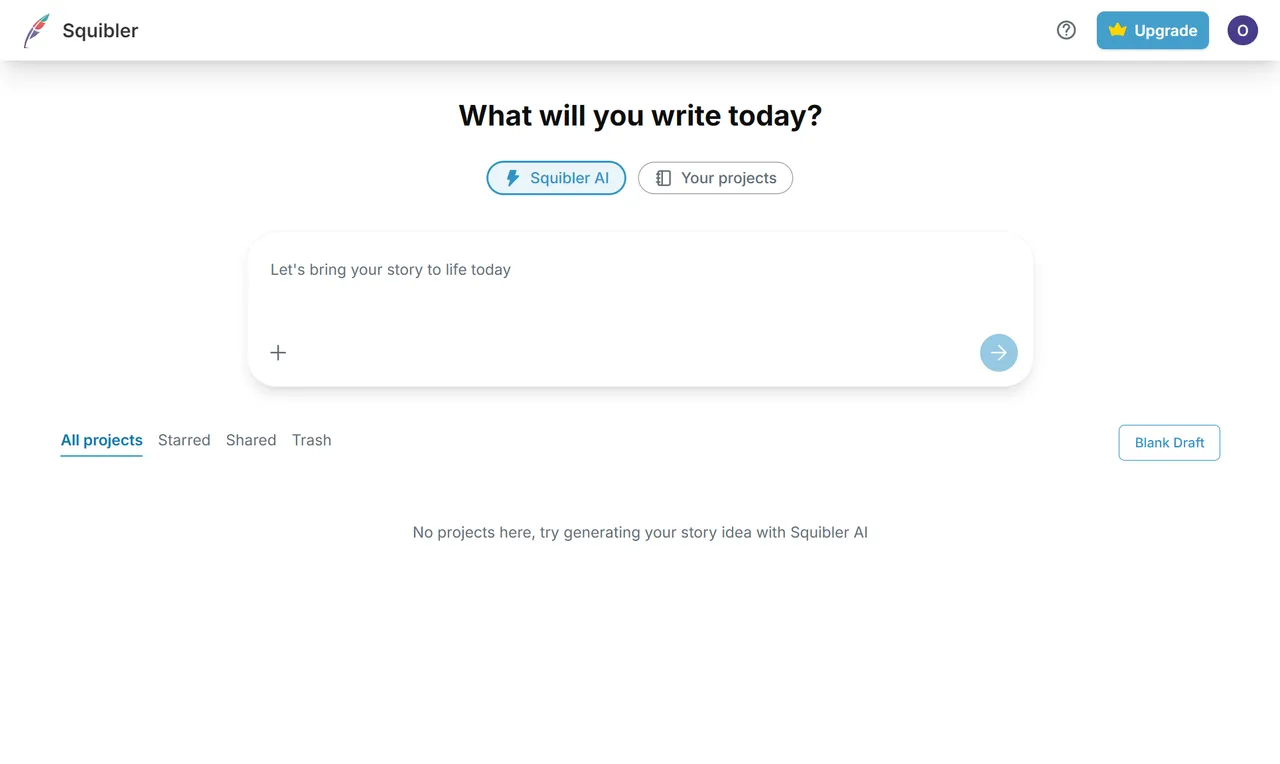
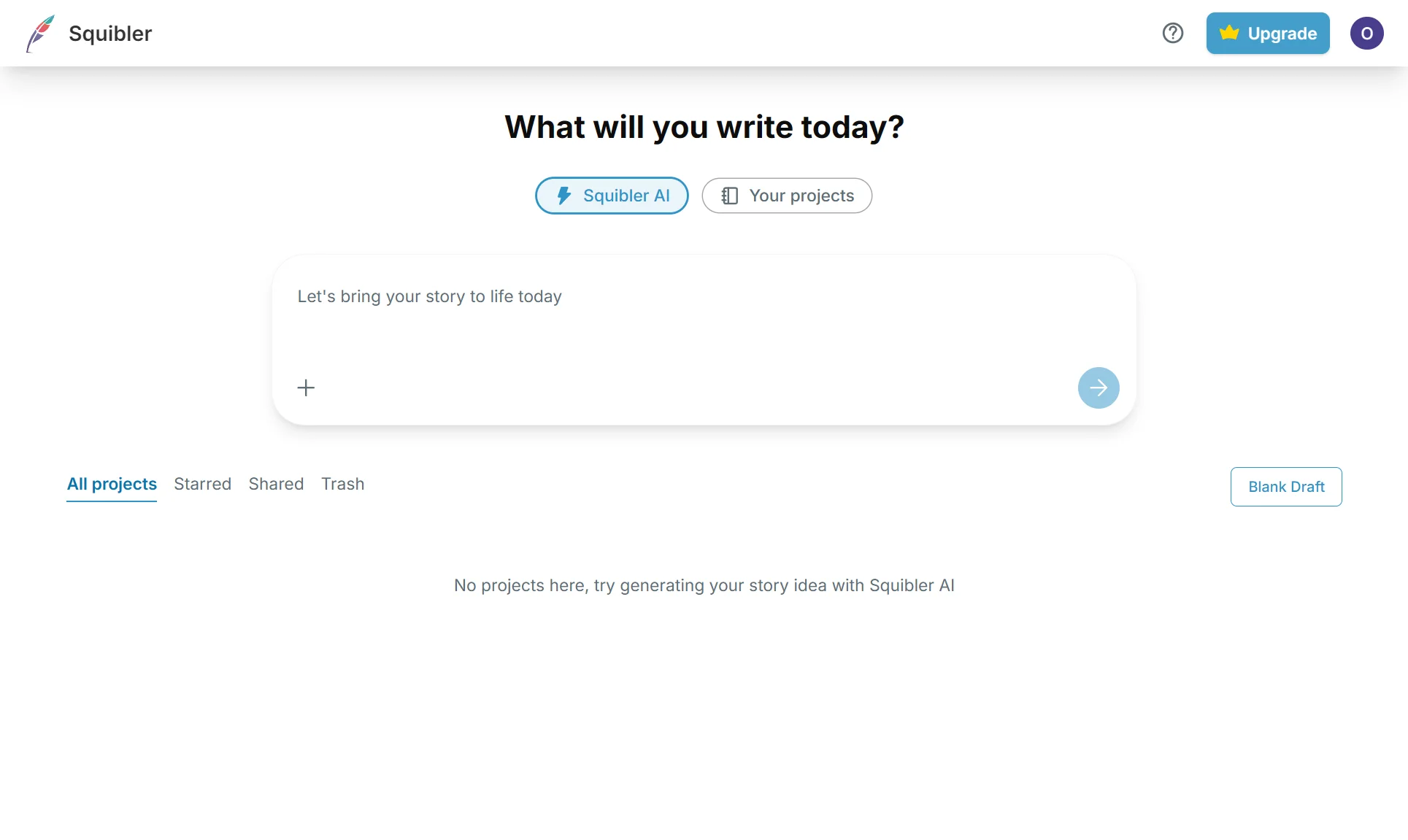
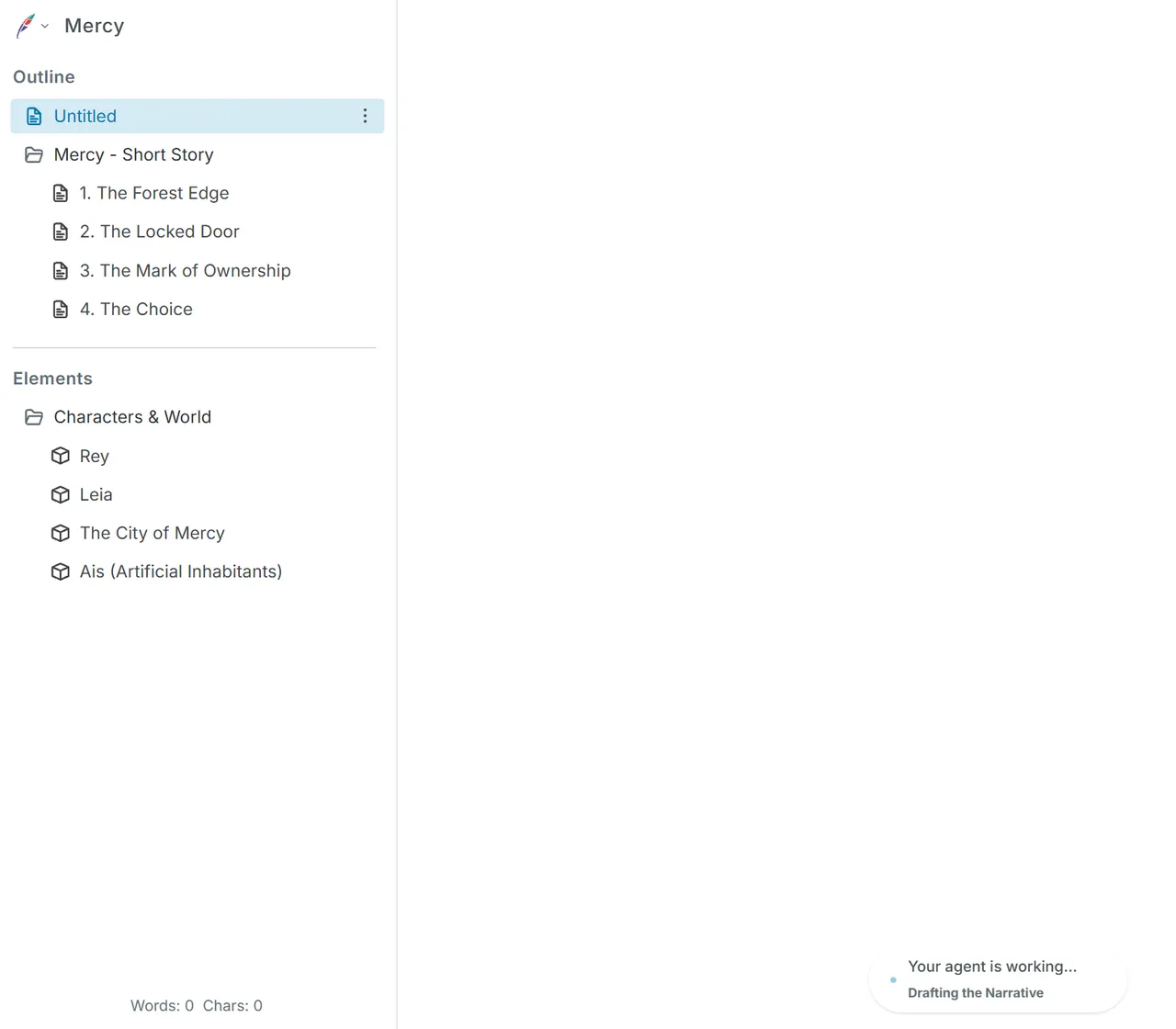
The home page opens with an "idea → book" box. I pasted my idea, and Squibler proposed an outline of several chapters, set up characters and places, and started writing. The free plan was enough for that. Squibler doesn't name the model that writes; judging by the text, it falls short of top models on the level of Fable 5.2 or GPT-6 Astra.

Squibler — screen 7
Squibler — screen 7
Squibler — screen 7 Swipe across the picture to look closer Open the full-size file
Squibler — screen 8
Squibler — screen 8
Squibler — screen 8 Swipe across the picture to look closer Open the full-size file

Pros

  • It writes the book straight through, following the outline it proposes, and I edit.
  • Imports DOCX, PDF, Markdown and TXT; supports projects over 200,000 words.
  • Unlimited images on paid plans. On the Plus plan the AI edits the whole manuscript and analyzes its structure (Review).

Cons

  • The most expensive entry: $29.99 a month, $15.83 billed yearly.
  • The model isn't named and can't be chosen, and it runs only on Squibler credits. Character cards are kept by hand, and outside Review the only analytics is a word count.
  • Built for English; reviews complain it slows down after 50,000 words.

Novelcrafter

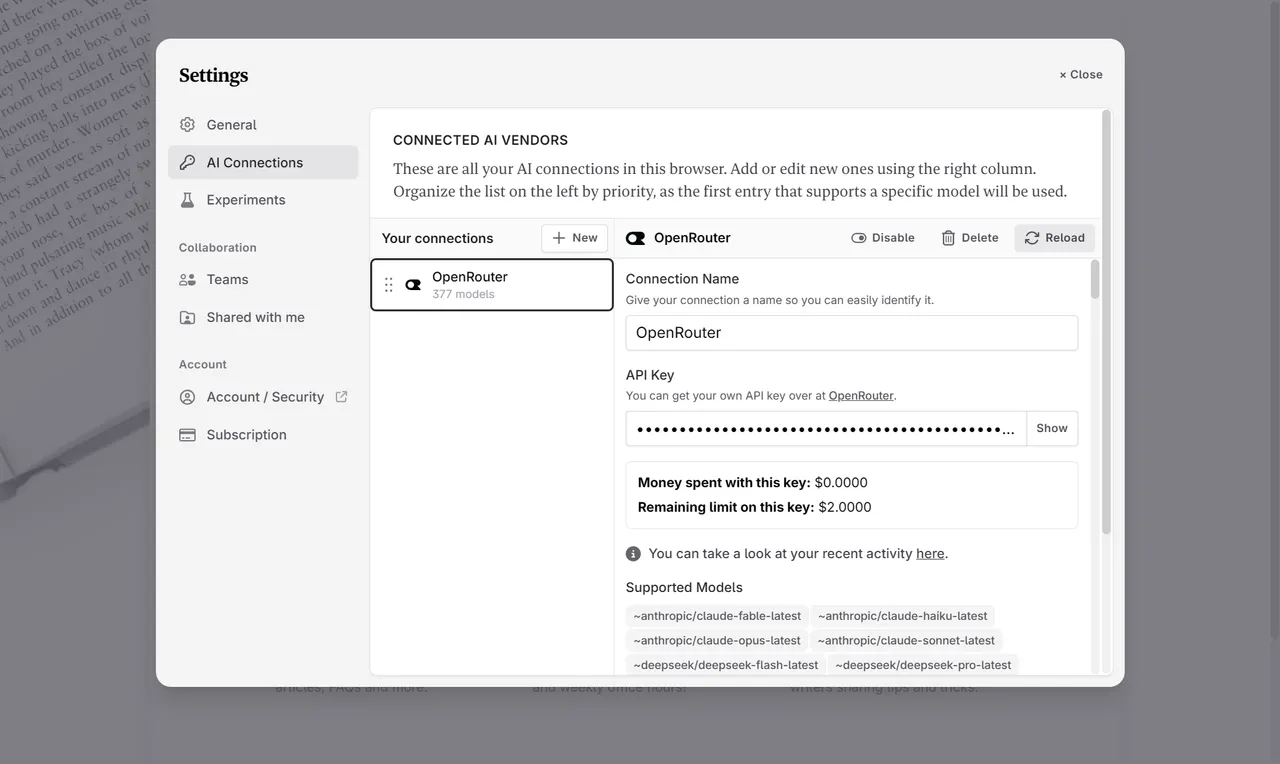
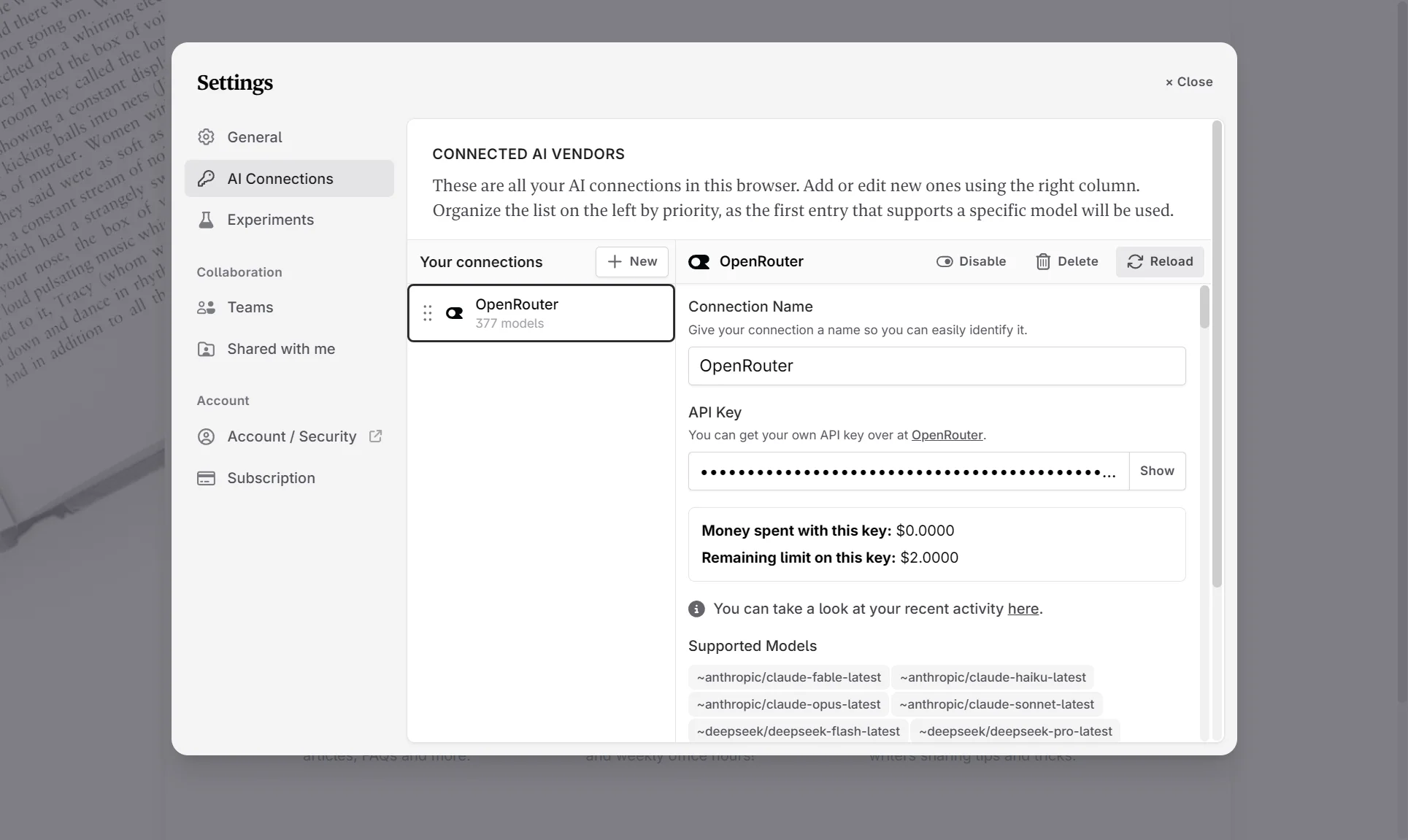
I connected an OpenRouter key and got 377 models to choose from. A Claude or ChatGPT subscription can't be connected. The author starts every scene, from beats (short notes on what happens in it). From my list, it has the freedom to choose a model.

Novelcrafter — screen 9
Novelcrafter — screen 9 Swipe across the picture to look closer Open the full-size file
Novelcrafter — screen 10
Novelcrafter — screen 10 Swipe across the picture to look closer Open the full-size file

Pros

  • Models through an OpenRouter or OpenAI key, plus local ones (Ollama, LM Studio).
  • A novel outline as a grid, a matrix or a list, and import of a whole novel from .docx.
  • The Codex (a wiki of characters and places) shows where each character appears, and there is a character heat map. Entry price $8 a month, a 21-day trial with no card.

Cons

  • You need an API key, and the AI is paid per use, on top of the plan.
  • No autopilot, and the Codex is kept by hand.
  • Building a section of a chapter step by step from beats gets somewhat monotonous. In my view, it limits creativity and makes it hard to keep even one chapter consistent.
  • No images or voice. Export to Word and Markdown, no EPUB or PDF.

AuthorCAT

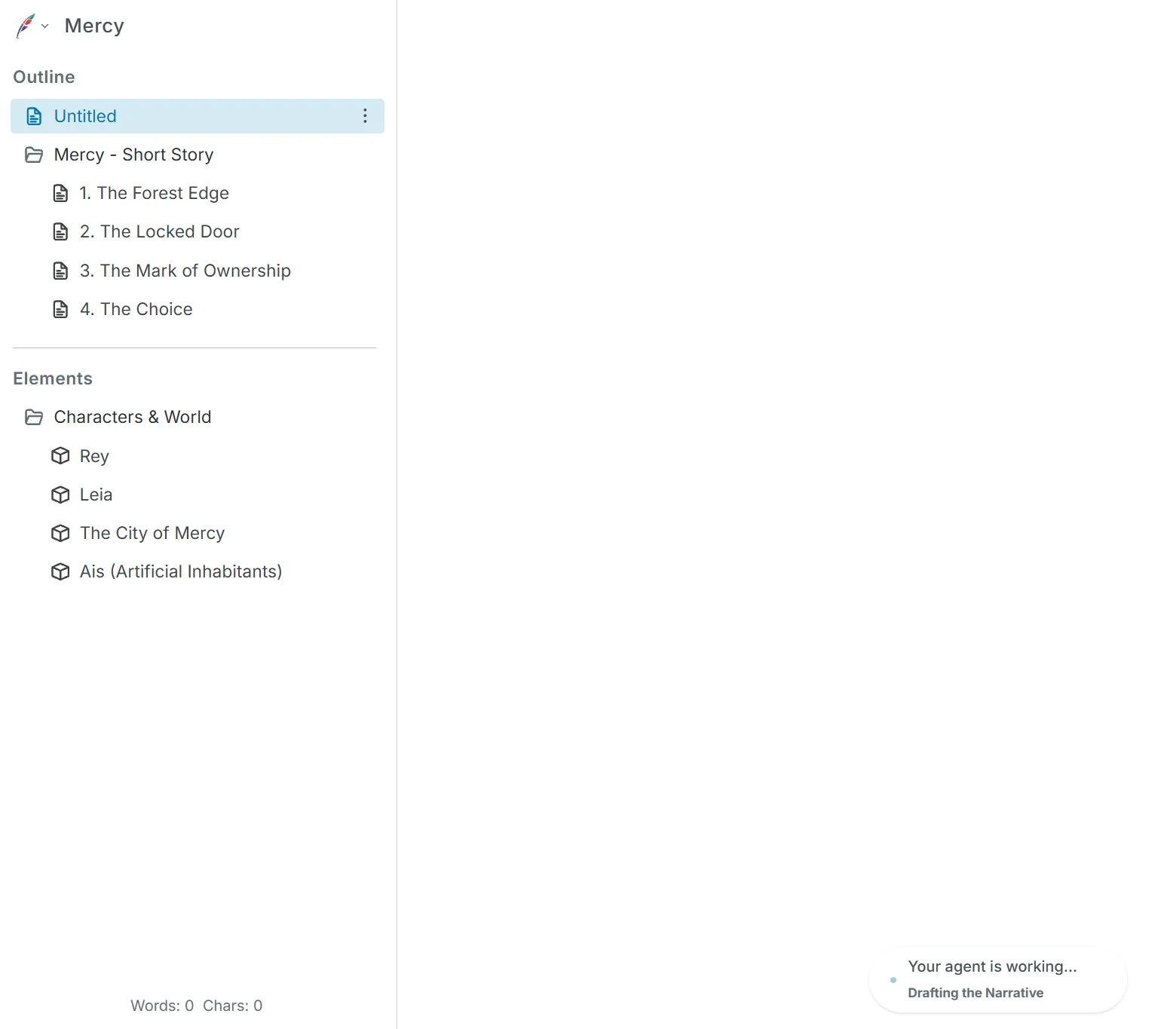
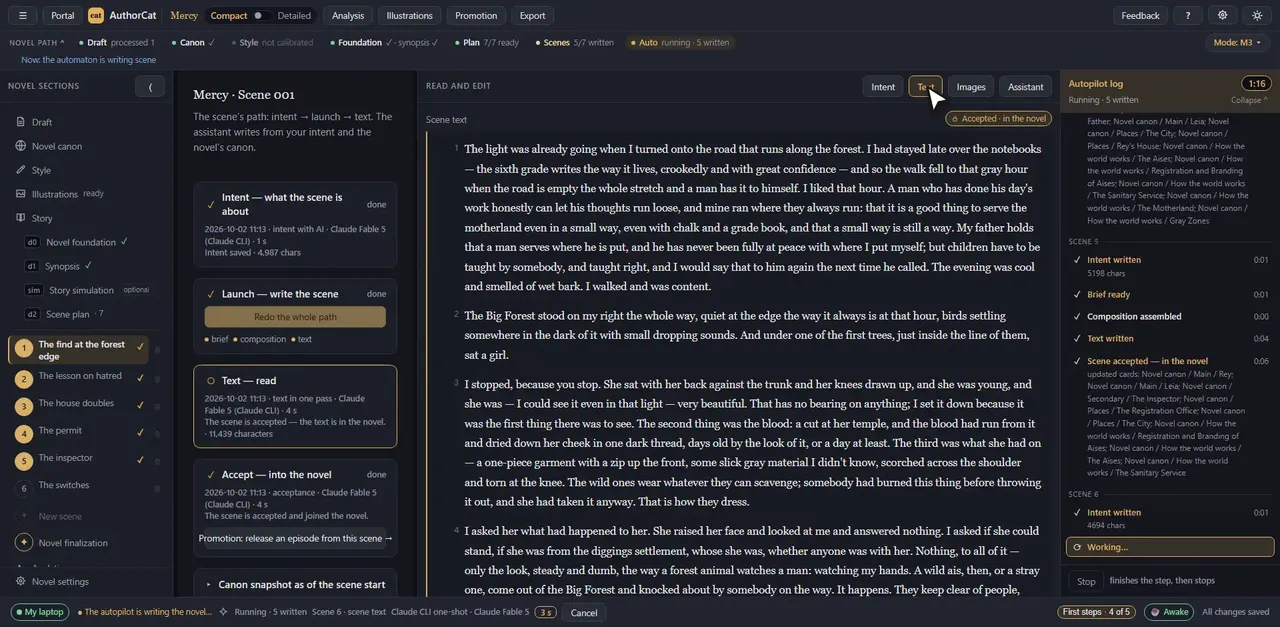
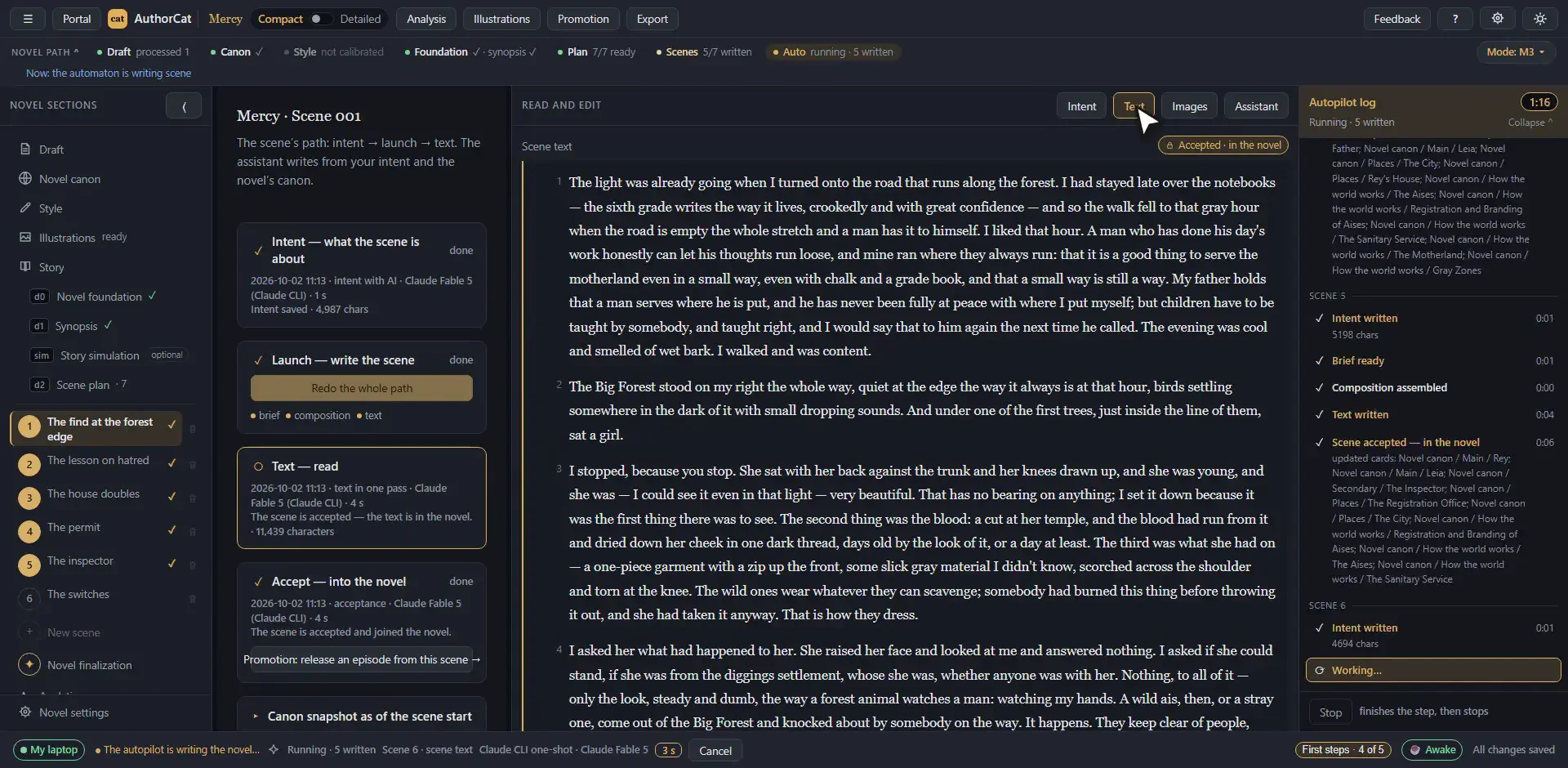
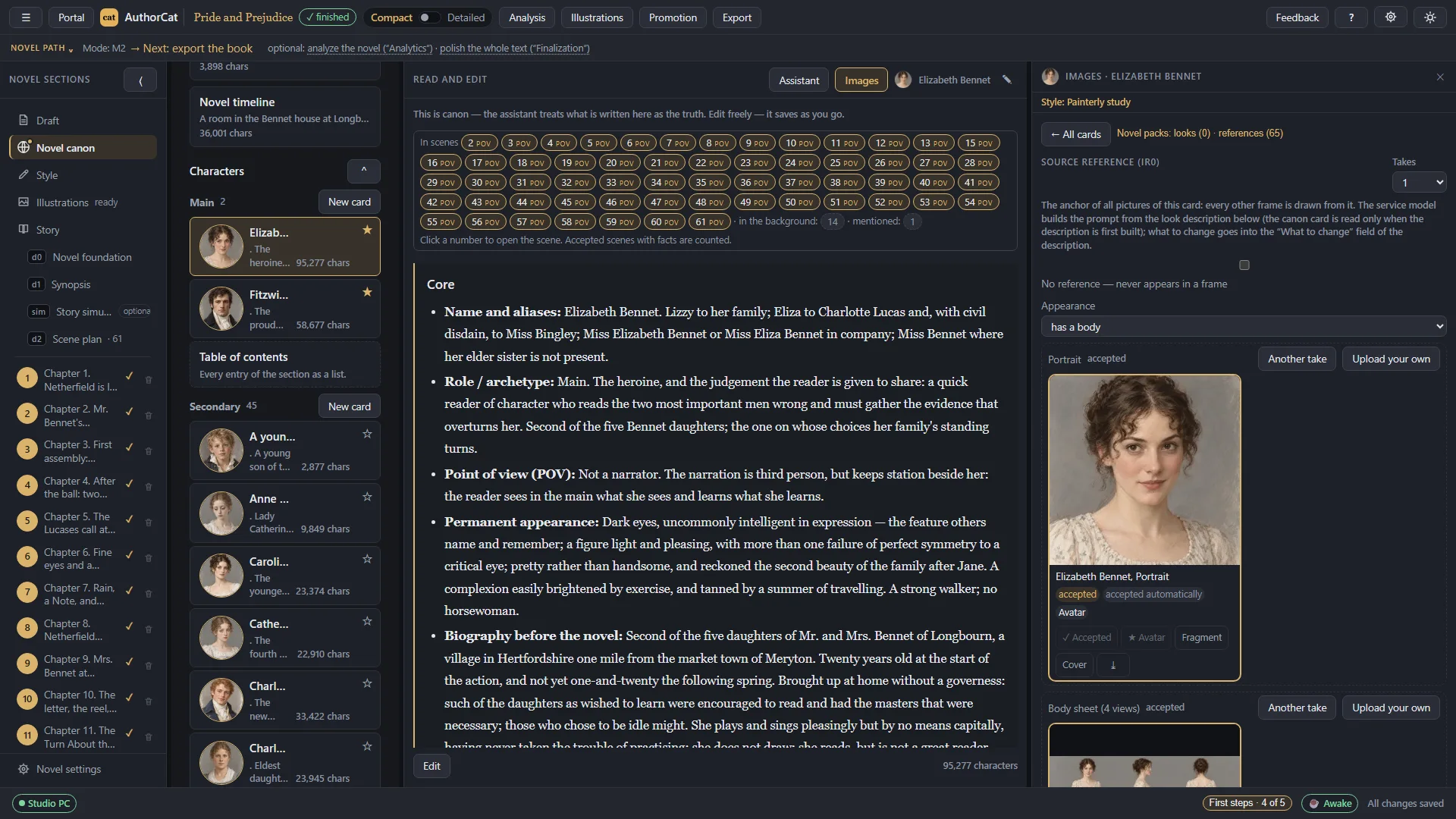
Here I put my idea into the Draft, set the number of scenes and their length, and turned on the autopilot. After that I didn't click anything: AuthorCAT assembled the canon (cards for characters and places, a timeline) by itself, wrote the novel foundation, the synopsis, the scene plan and every scene in it. Claude Fable 5 did the writing, on my own subscription. From my list, it has the canon and the style, both modes, top models, analytics, illustrations, and voice and finished manuscripts as input.

AuthorCAT — screen 11
AuthorCAT — screen 11 Swipe across the picture to look closer Open the full-size file
AuthorCAT — screen 12
AuthorCAT — screen 12 Swipe across the picture to look closer Open the full-size file

Pros

  • Runs on the AI subscription you already have (Claude, ChatGPT, Google AI, SuperGrok and others) or on your own key. No credits. Top models come with the subscription: Claude Fable 5.2, Claude Opus 5.5, GPT-6 Astra. When you hit your subscription's usage limit, the autopilot waits for it to reset and resumes by itself.
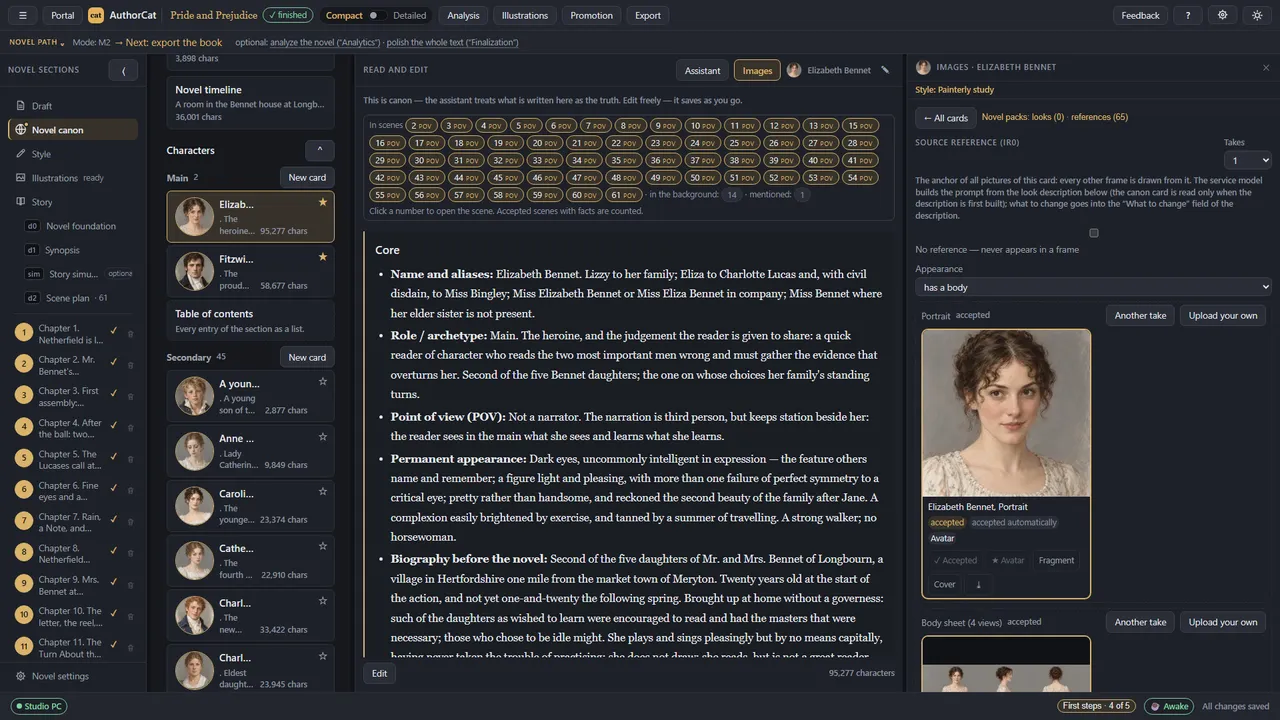
  • A team of AI agents assembles the canon from the draft: first what the book is about and its style, then the characters, then how the world works. After every accepted scene the canon updates itself.
  • The style guide keeps the style steady: in Style test I can check and adjust it on sample passages, and the guide and voice samples go into every scene.
  • Both modes: you can write scenes yourself, let the autopilot follow your plan, or have it plan and write the novel from your draft. The story is built in steps, from the novel foundation (premise and conflict) and the synopsis to the scene plan and a detailed plan of each scene, and every step can be edited by hand.
  • Story simulation (in Story): a narrator describes the situation and suggests what the hero might do, I pick an option or write my own and see the consequences. It is essentially a text adventure, and what I play goes into the scene plan.
  • Context is set per scene: in Scene context I can see which materials the model receives and change them with checkboxes. Models are assigned by role: one writes the prose, another handles the background tasks.
  • Voice: AuthorCAT turns a recording from your phone's voice recorder into text in the Draft, or in the plan as material for a scene. The transcription runs on your own xAI, OpenAI or Gemini key.
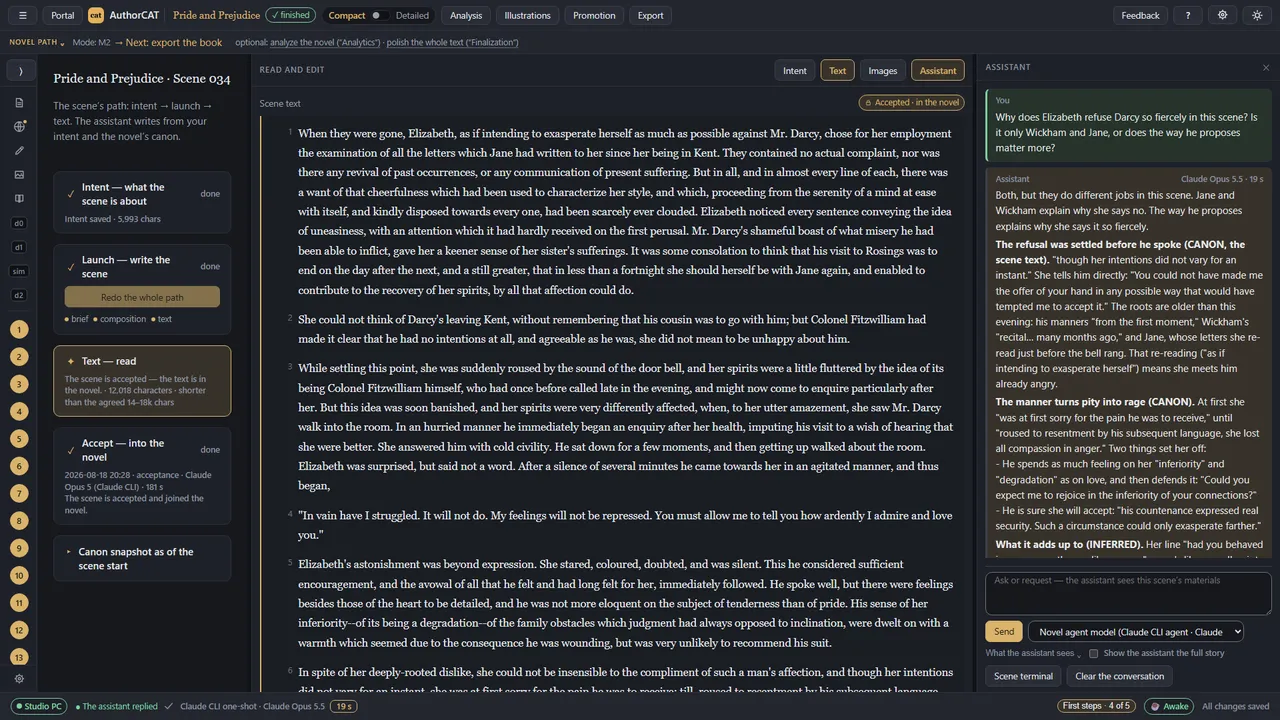
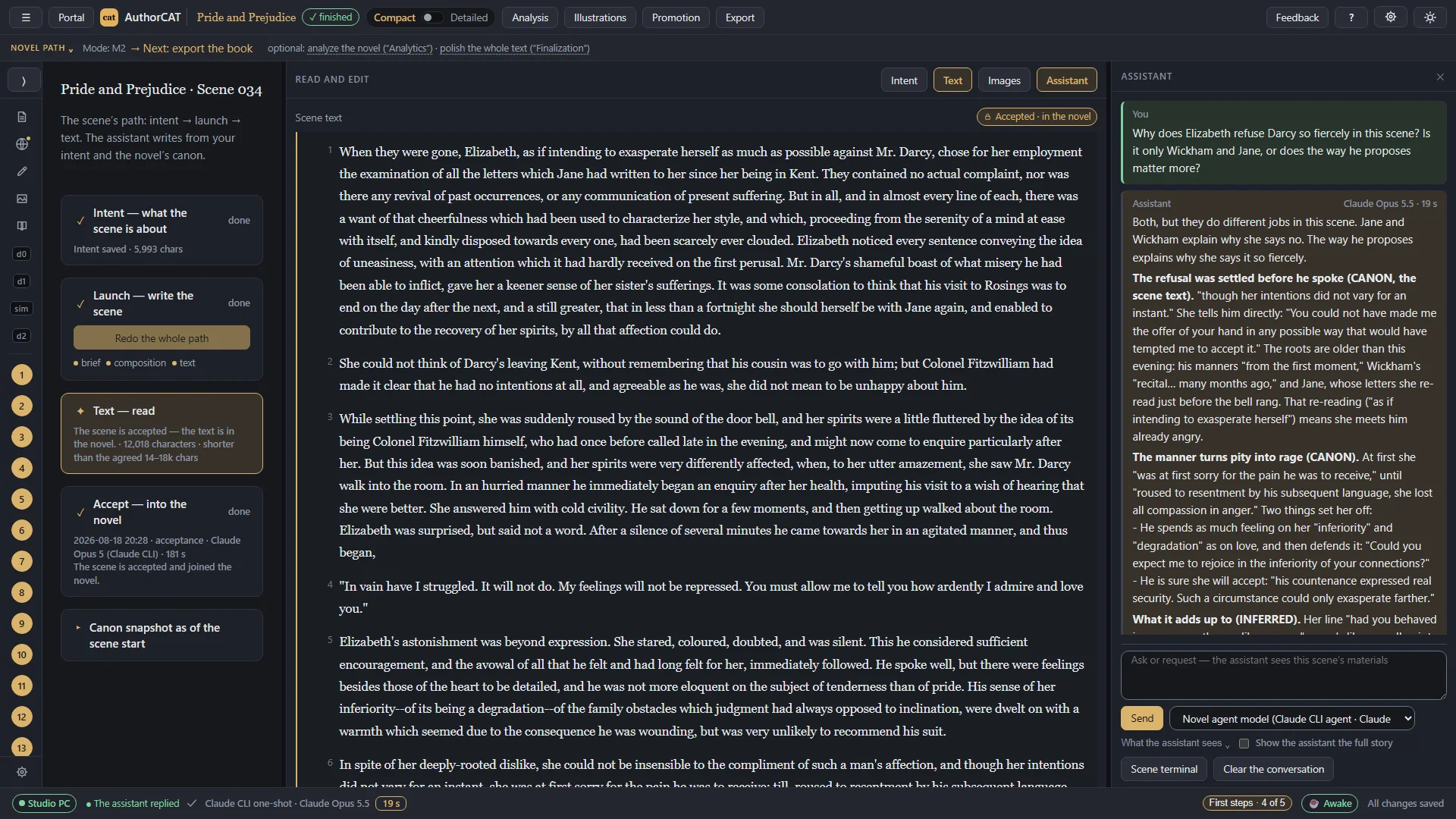
  • The Assistant answers questions about the book and checks the answers against the canon. Editing, proofreading and polishing are done by a team of AI agents too: Polish works from my notes, and the whole novel gets proofread (style, repetition, scene joins, the logic of the world and of actions).
AuthorCAT — screen 13
AuthorCAT — screen 13 Swipe across the picture to look closer Open the full-size file
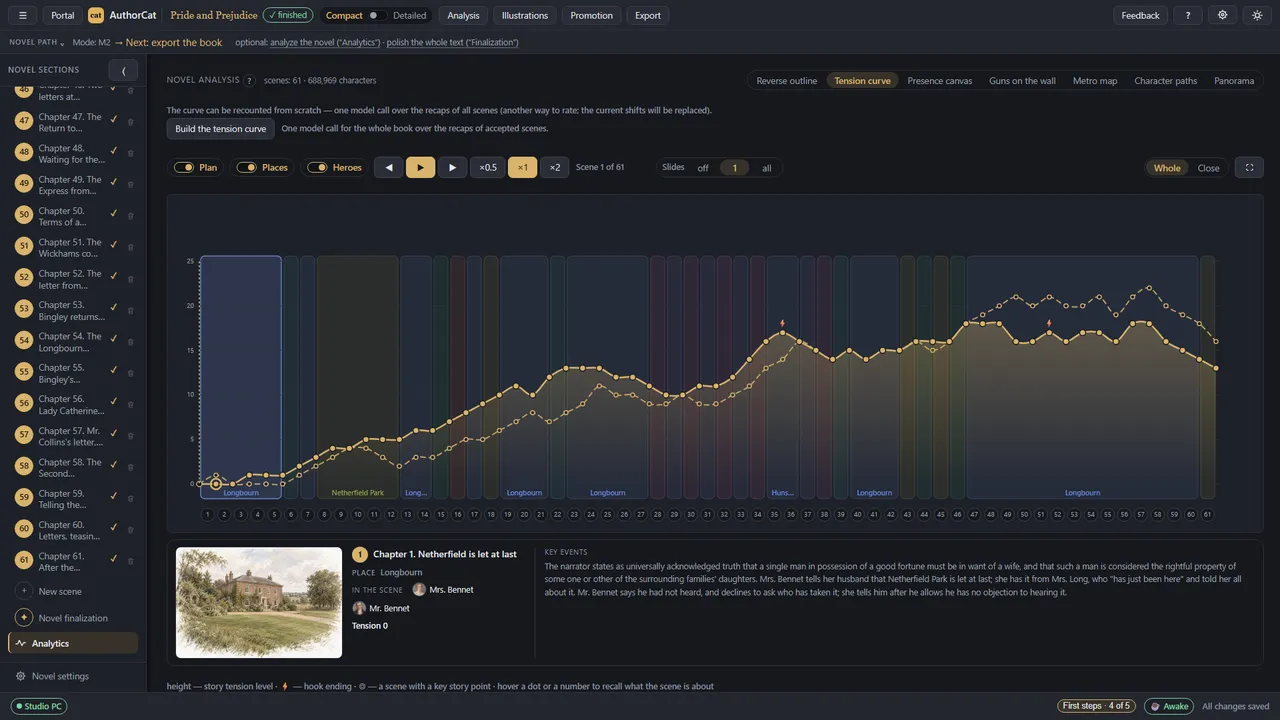
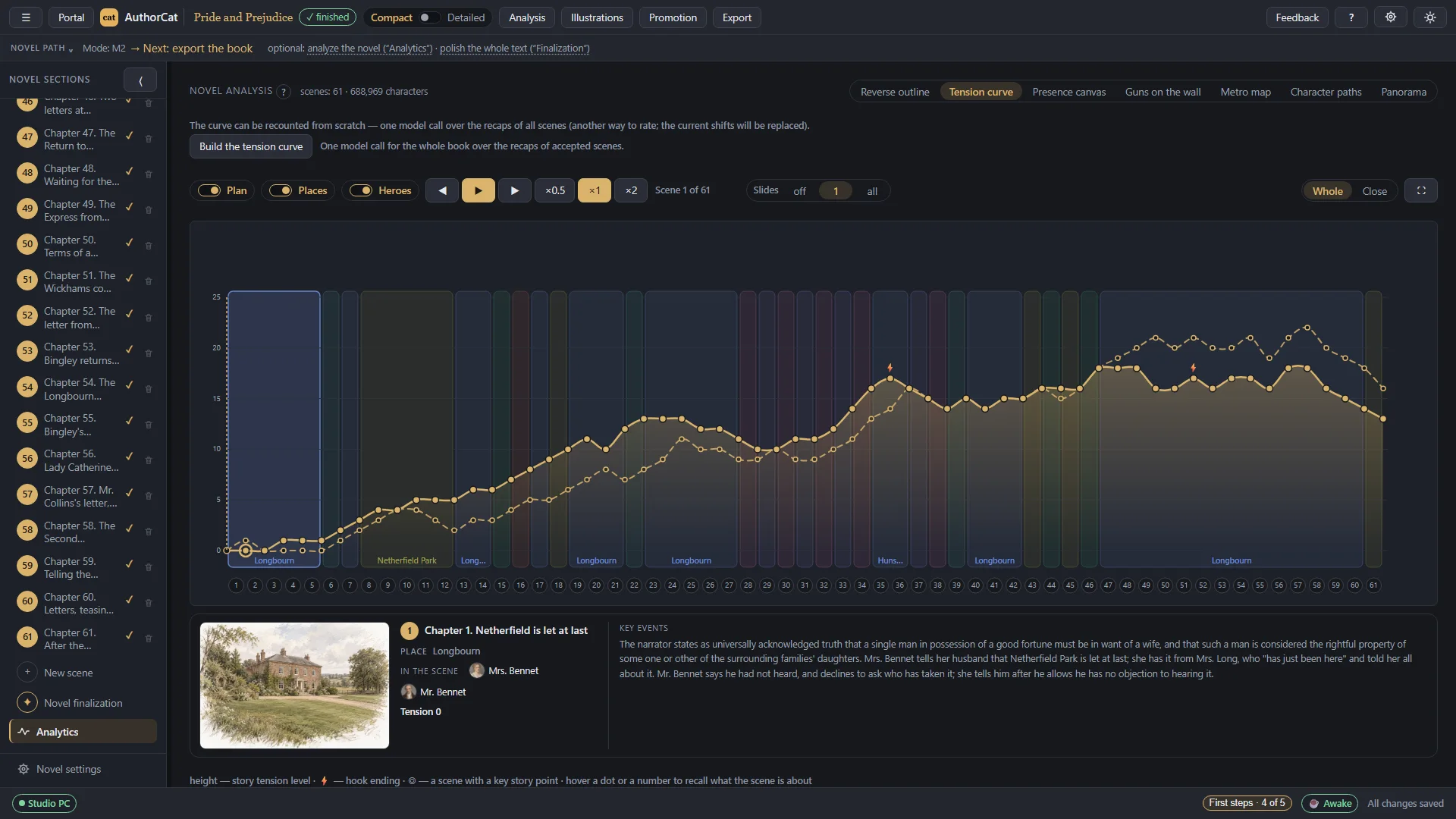
  • Analytics, seven views: a reverse outline, a tension curve, a presence canvas (which character is in which scene), Guns on the wall (plot threads still unresolved before the finale), a metro map (each character's line through the book's places), character paths, and a panorama. The tension curve can be saved as a video.
AuthorCAT — screen 14
AuthorCAT — screen 14 Swipe across the picture to look closer Open the full-size file
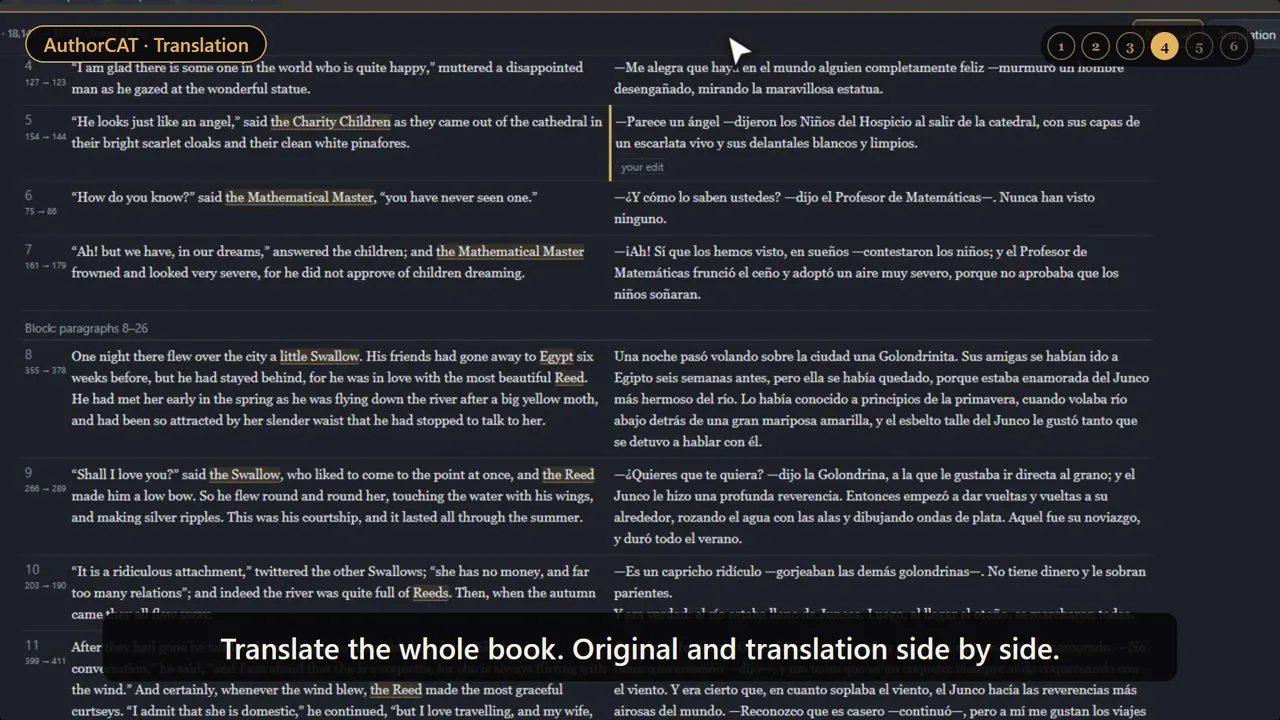
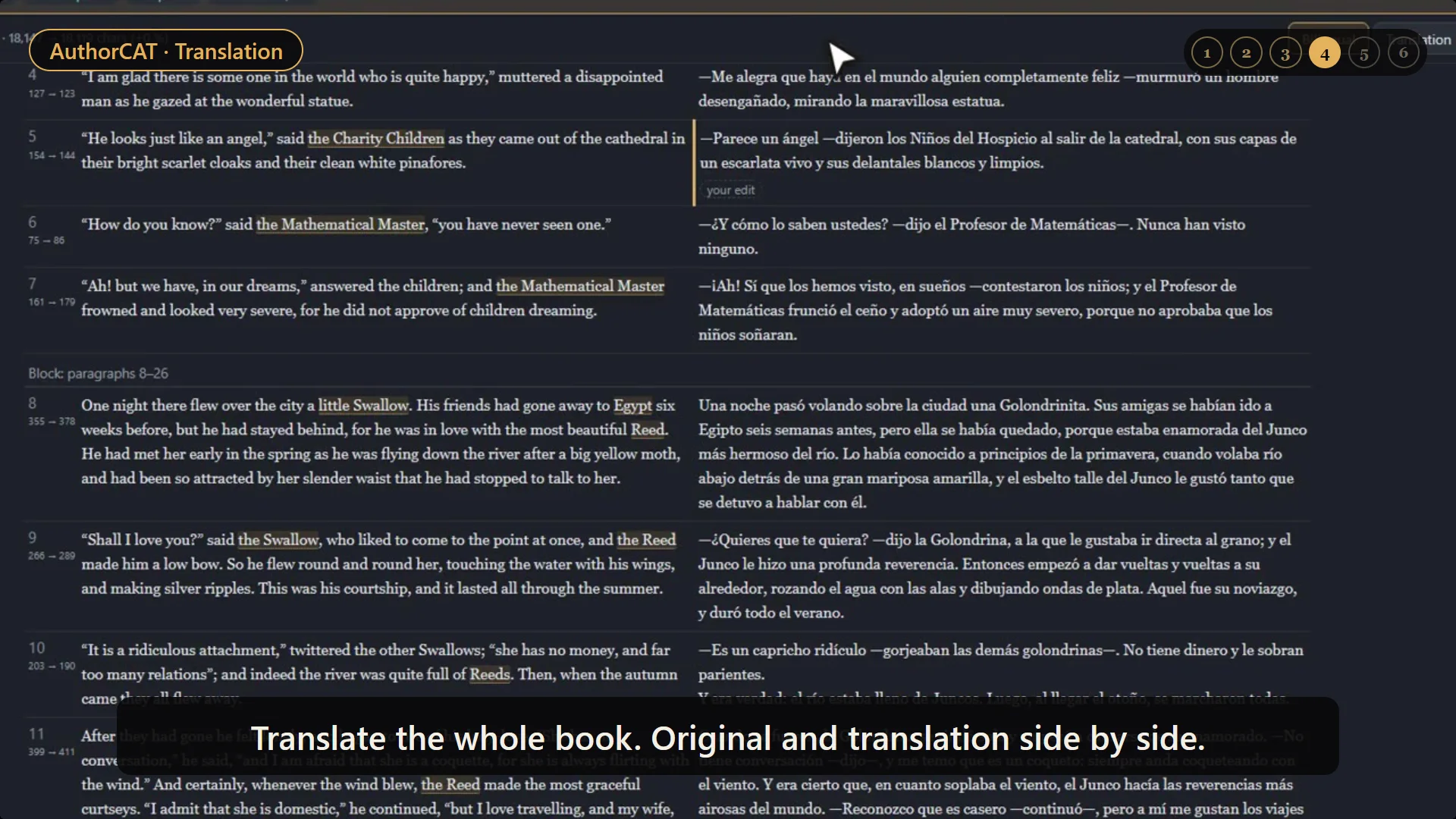
  • Languages: for six languages (English, Russian, German, Spanish, French, Portuguese) the prompts are written in the language of the novel, and the canon and drafts are kept in it too. Translation chapter by chapter with one glossary of names. Export to EPUB, DOCX, PDF and FB2.
AuthorCAT — screen 15
AuthorCAT — screen 15 Swipe across the picture to look closer Open the full-size file
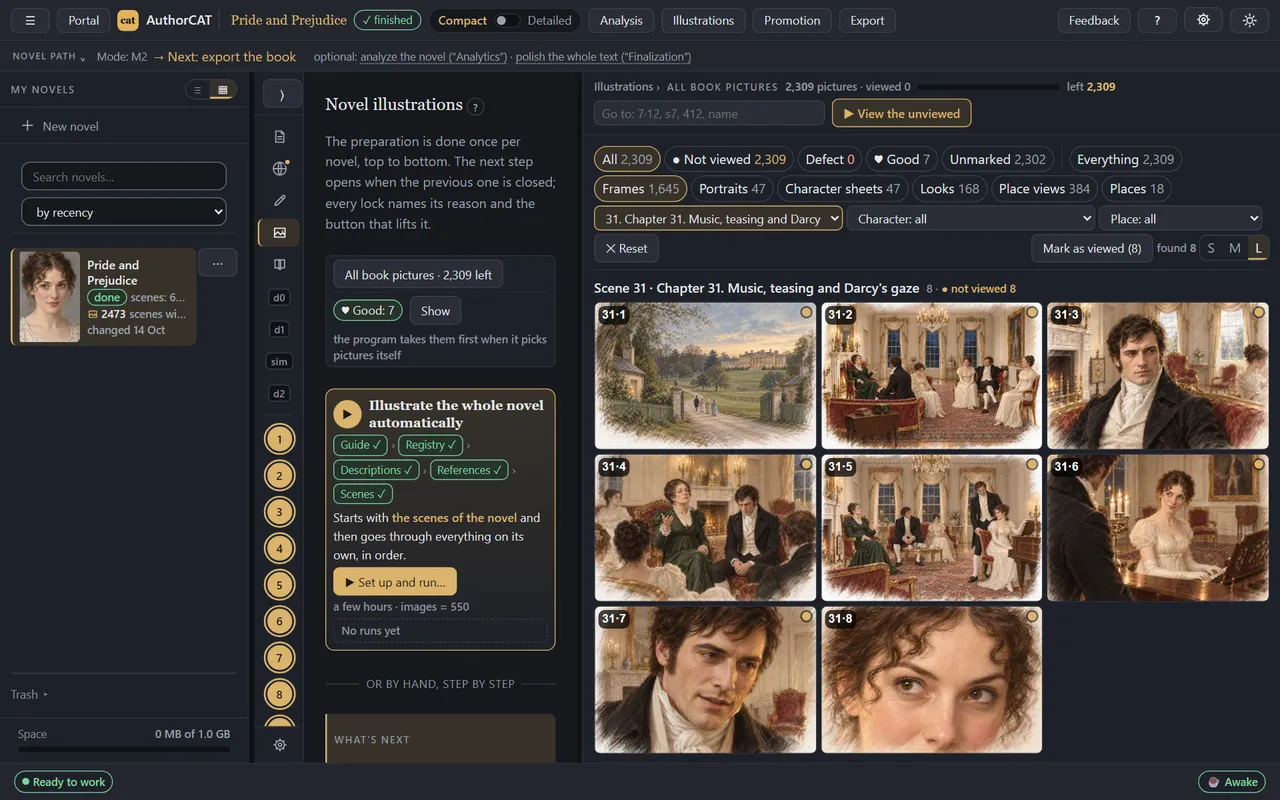
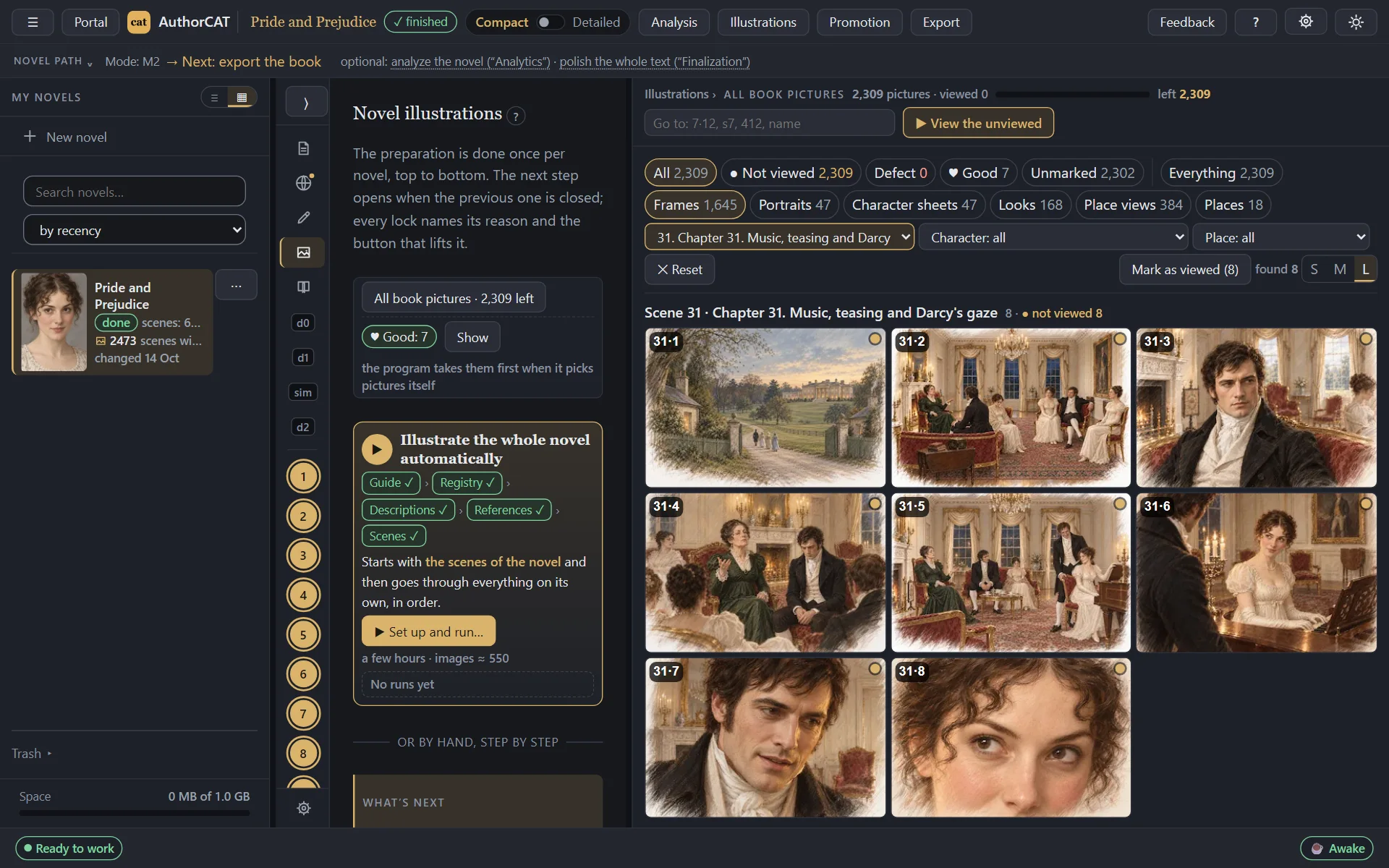
  • Illustrations: first a portrait of every character and a view of every place, then scene pictures with the same faces. There are 20 ready-made styles, each with a preview, and you can make your own. No separate credits for images, but you need a ChatGPT subscription or an OpenAI key.
AuthorCAT — screen 16
AuthorCAT — screen 16 Swipe across the picture to look closer Open the full-size file
  • Importing a finished novel ("Upload your text" when you create a novel): the app accepts manuscript files up to 100 MB, splits the text into chapters and assembles the canon by itself. The finished book can then be proofread, illustrated or continued. You can also start a sequel as a new book (volume two and beyond): AuthorCAT carries the characters, the world and the style over from the previous book's canon.

Cons

  • You need a computer: the Bridge app installs on Windows 10/11 or a Mac with Apple silicon. There is no phone version yet, but the developers promise to launch one soon.
  • The model isn't included in the price: you need your own AI subscription or key. Censorship is that of the connected model: whatever it won't write, it won't write in AuthorCAT either.
  • It's new: open beta since late October 2026, and the price after the beta hasn't been announced.

Who each one suits

What each app has is in the table at the top.

  • NovelAI: people who want the AI to continue their text, and fans of interactive stories.
  • Sudowrite: those who write in English and want feedback on the text and dictation on the phone.
  • NovelistAI: beginners and gamebook authors who want a quick start and an audiobook.
  • Squibler: those willing to pay more for an AI that writes the book straight through.
  • Novelcrafter: those who drive every scene themselves and want to pick models through their own key.
  • AuthorCAT: those who want to make full use of their subscription and its top models, use an automatic canon, a team of AI agents and illustrations, and analyze or continue a novel they've already written.

Mercy, a seven-scene short story AuthorCAT wrote on autopilot: authorcat.com/mercy.pdf

AuthorCAT is in open beta, free while the beta runs; Windows and Mac: authorcat.com

Start free Open the demo

Windows 10/11 (64-bit) and Macs with Apple silicon (M1 or later).