AuthorCat / Illustrations
Illustrations for long fictionAI book illustration for novels, with consistent characters
A picture book has a dozen pages and two characters. A novel has dozens of characters, places that come back and hundreds of scenes. AuthorCat illustrates a novel from its text and keeps every face recognizable from the first chapter to the last.
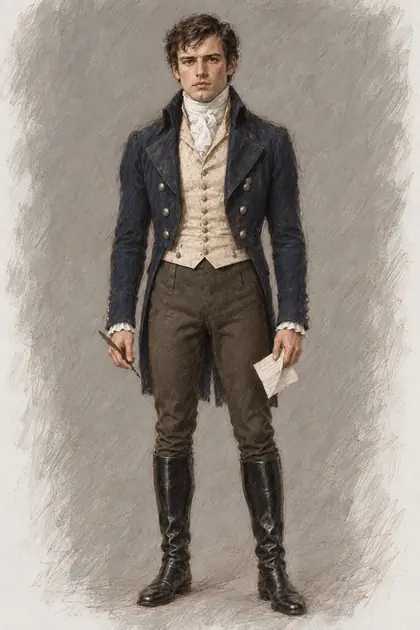
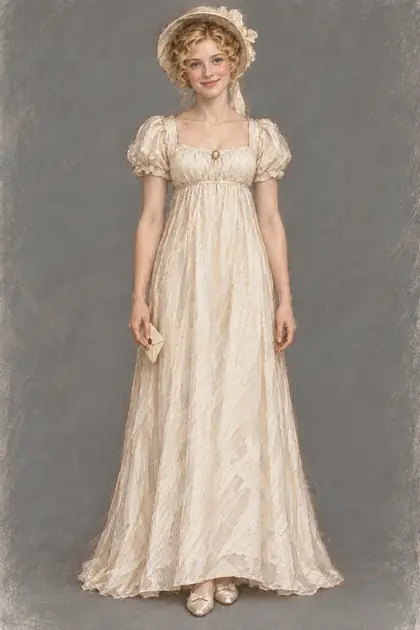
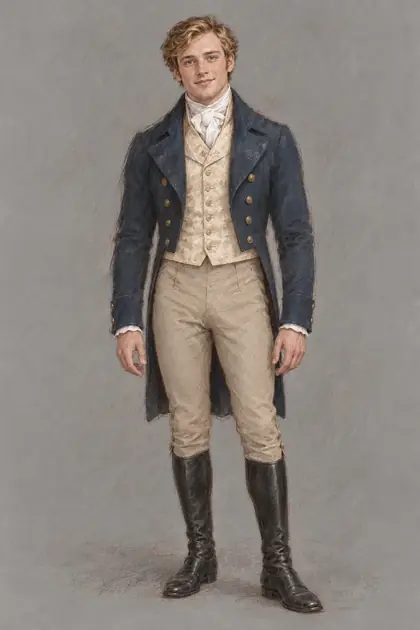
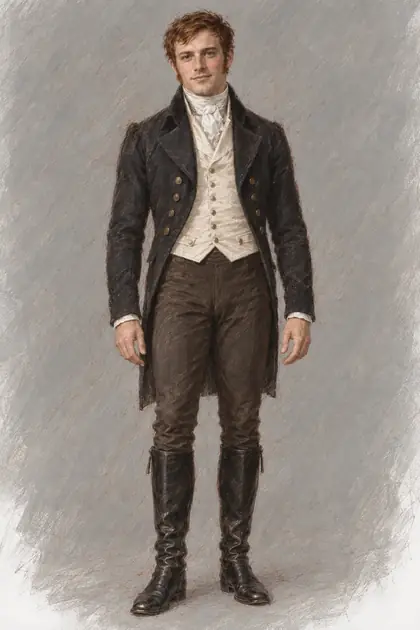
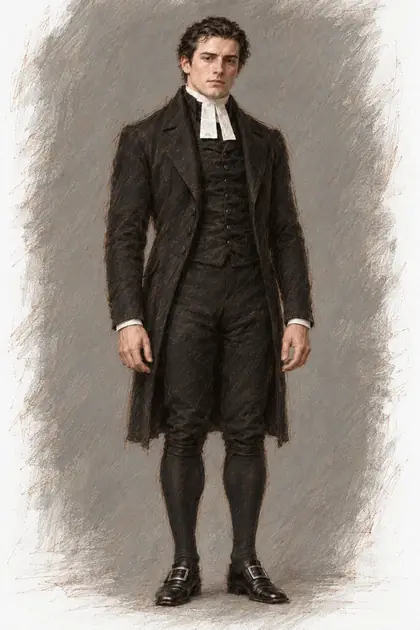
The example on this page is Jane Austen’s Pride and Prejudice, illustrated in AuthorCat: 61 chapters, 47 characters with faces, 18 places, 728 pictures in one style.
Mr Darcy
-
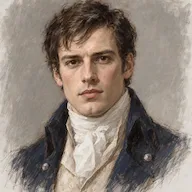
Reference -
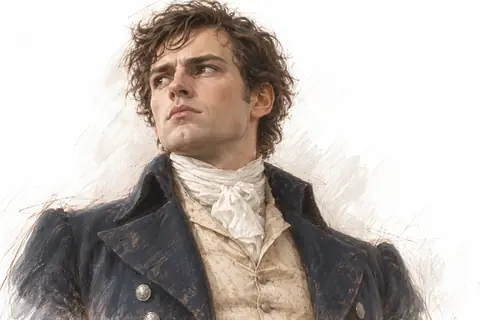
Chapter 4 -
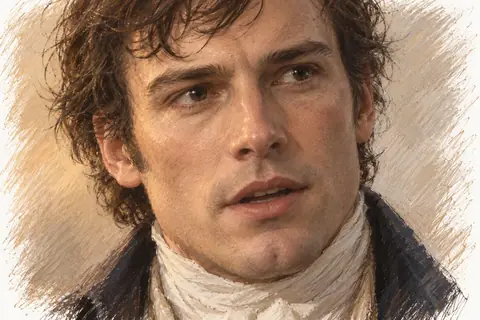
Chapter 6 -
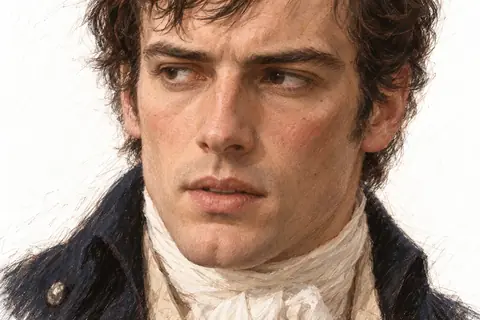
Chapter 30 -
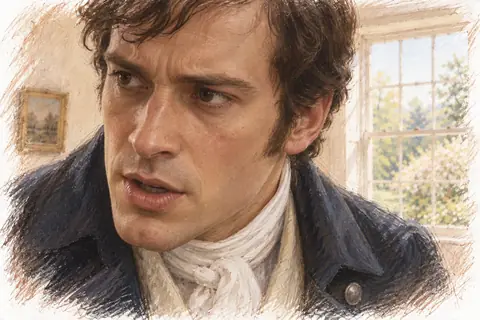
Chapter 32
Elizabeth Bennet
-
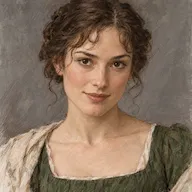
Reference -
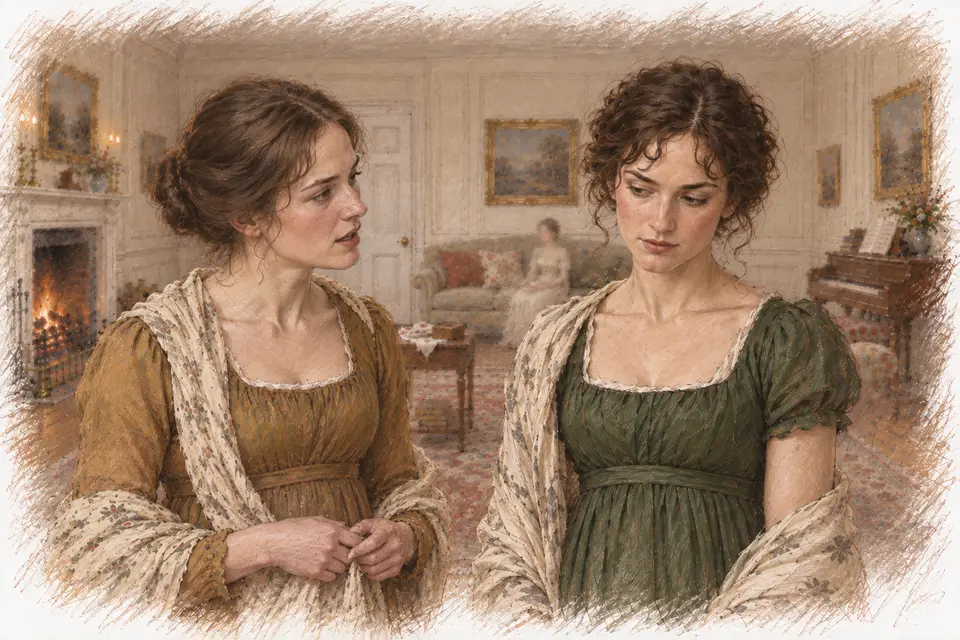
Chapter 22 -
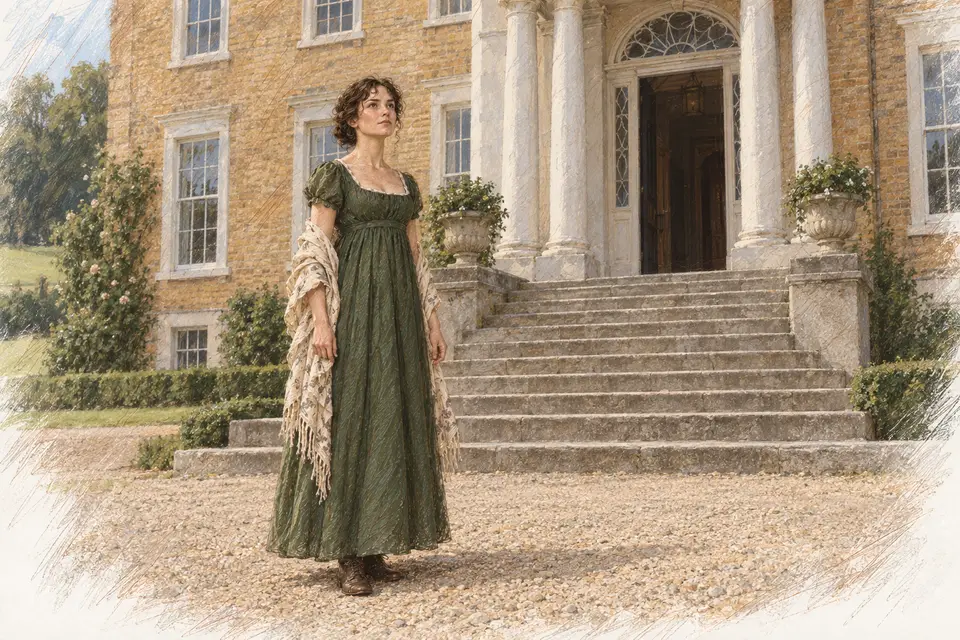
Chapter 29 -
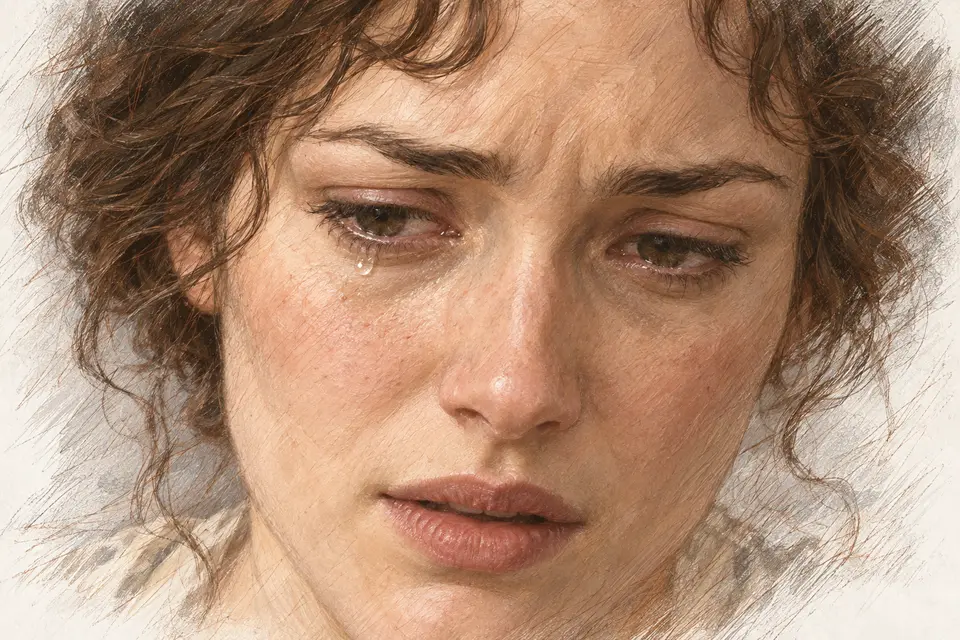
Chapter 36 -
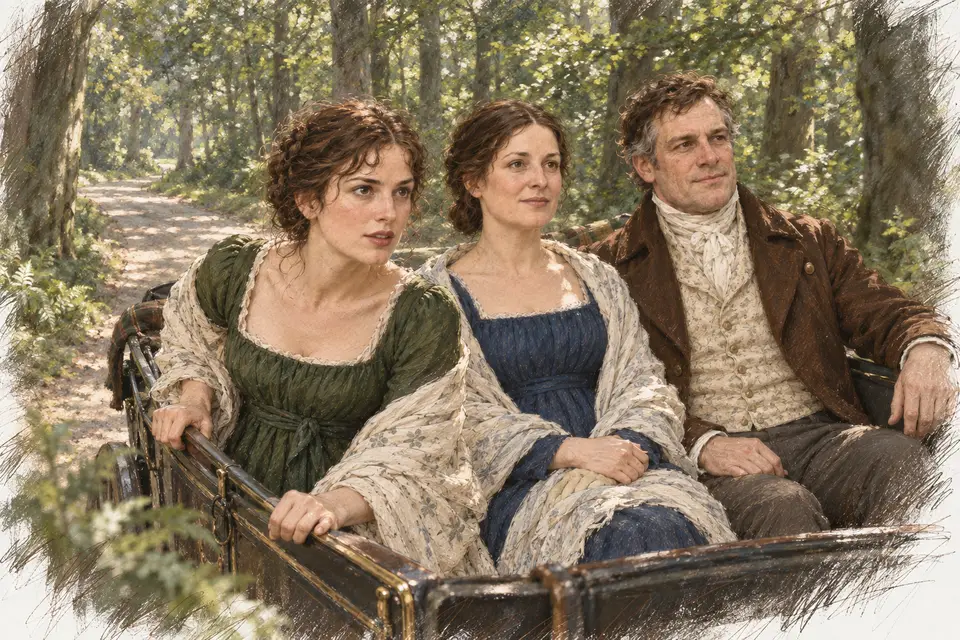
Chapter 43
Every picture here was drawn in AuthorCat from the text of the novel; the gold frame marks the reference the scene pictures are checked against.
Why faces drift, and how AuthorCat keeps them consistent
An image model draws every picture from scratch. Ask it twice for “Elizabeth by the window” and you get two different women. AuthorCat first fixes what every character and place looks like, the way an illustrator would before the first page, and then draws every scene from those references.
-
Traits from the canon. The canon — the story bible of your novel — already holds the characters and places. AuthorCat writes out the traits by which each of them will be recognized in pictures. You look the list over and approve it.
-
Descriptions. The appearance of every character and place is put into words: face, figure, clothes, furnishings.
-
References. A portrait and a full-length likeness of every character, a view of every place, and outfits for specific scenes. Every scene picture is later checked against them.
-
Scene pictures. For each scene: a description, the outfits, a shot plan and the backgrounds — then the pictures themselves, drawn from the references.
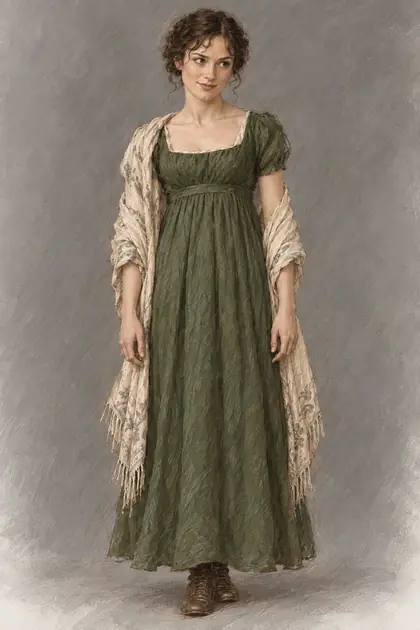
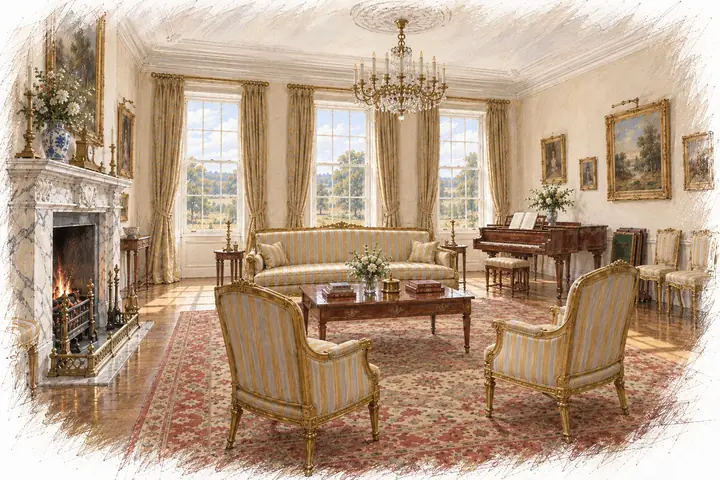
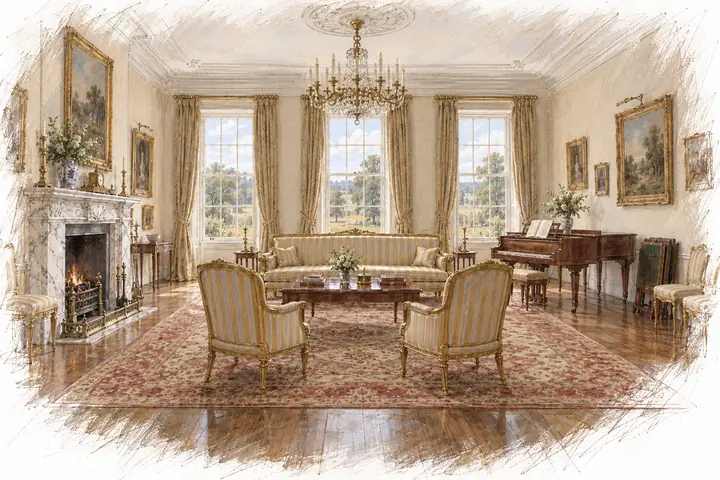
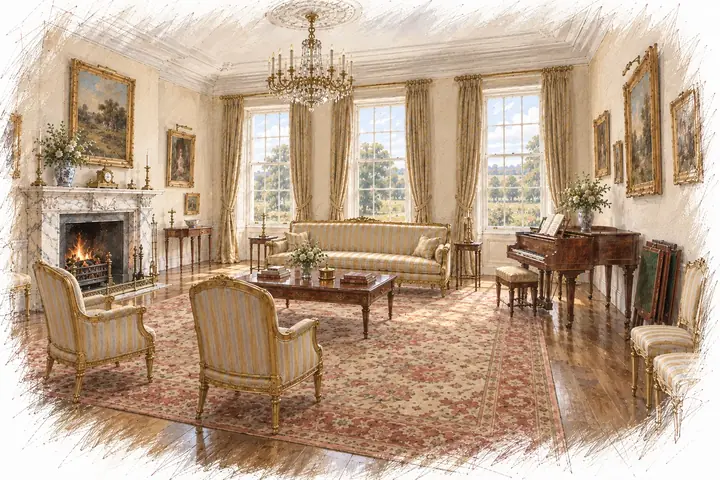
As many pictures as a scene needs
Only the key moments of a scene, or a picture for every turn — dozens of pictures per scene if the book calls for them. Illustrate one scene by hand, step by step, or start the automation for the whole novel: the run goes on by itself, and you can close the tab while the pictures appear.
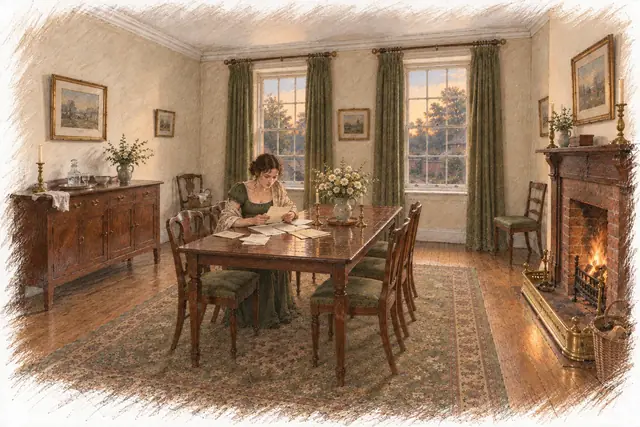 1
1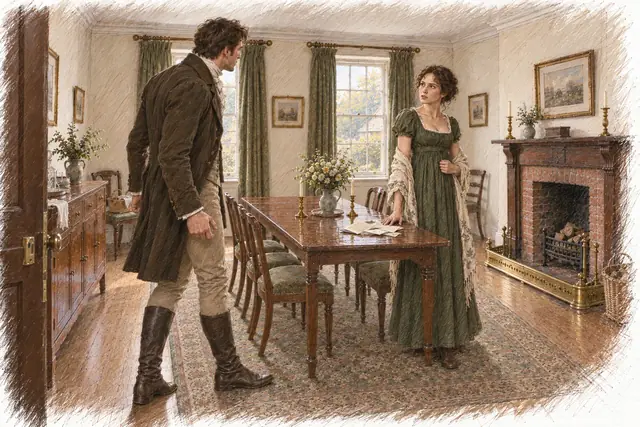 2
2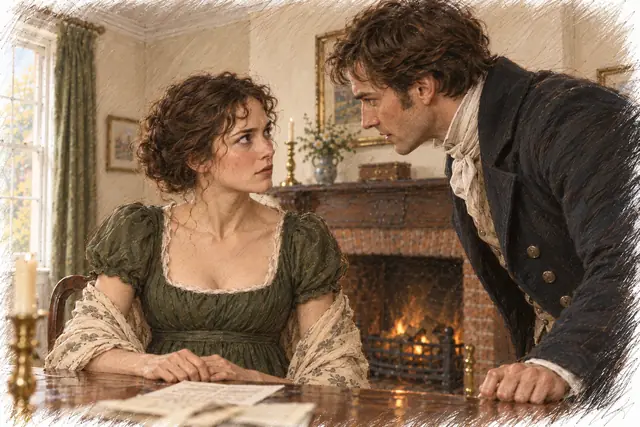 3
3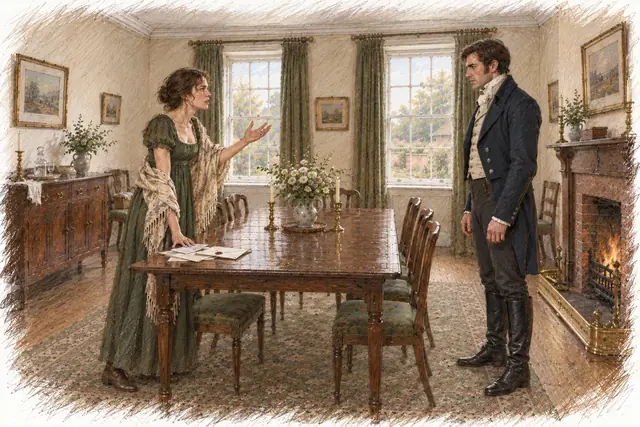 4
4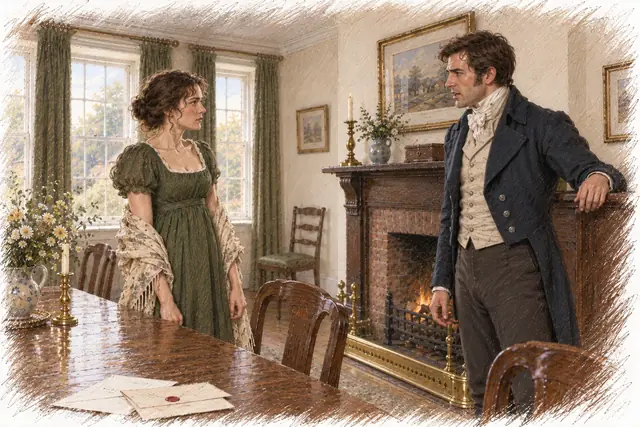 5
5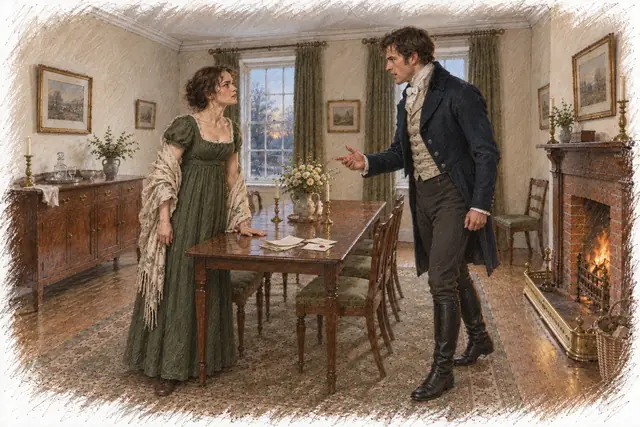 6
6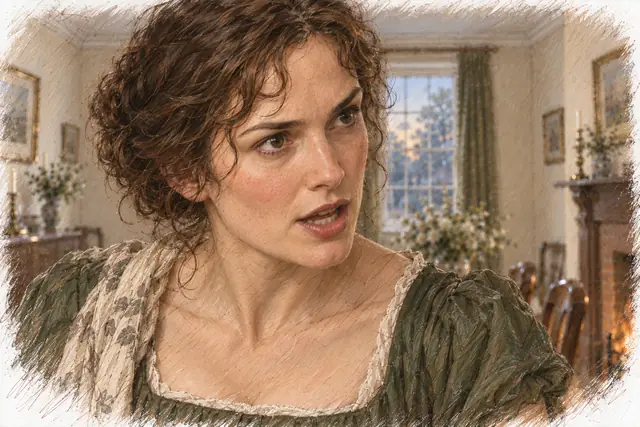 7
7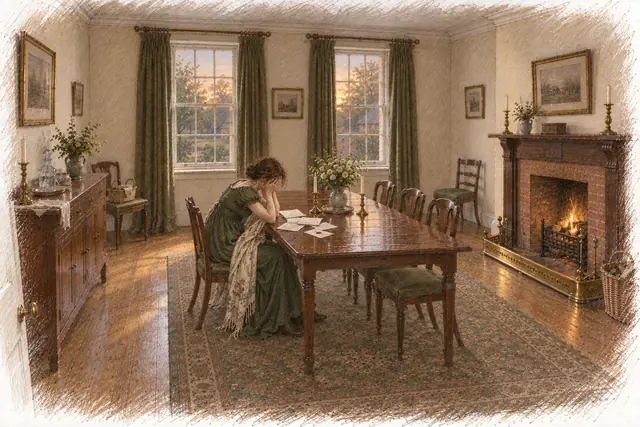 8
8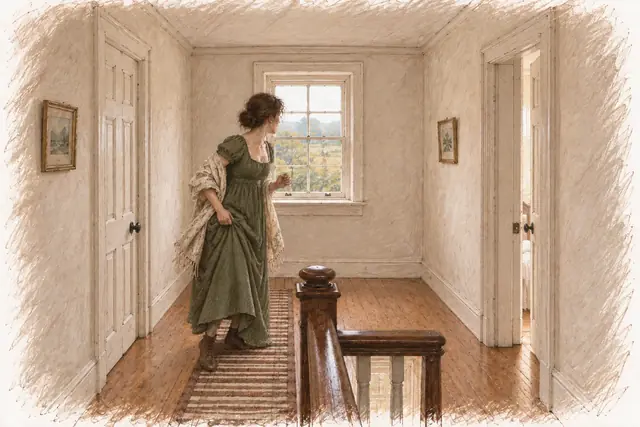 9
9

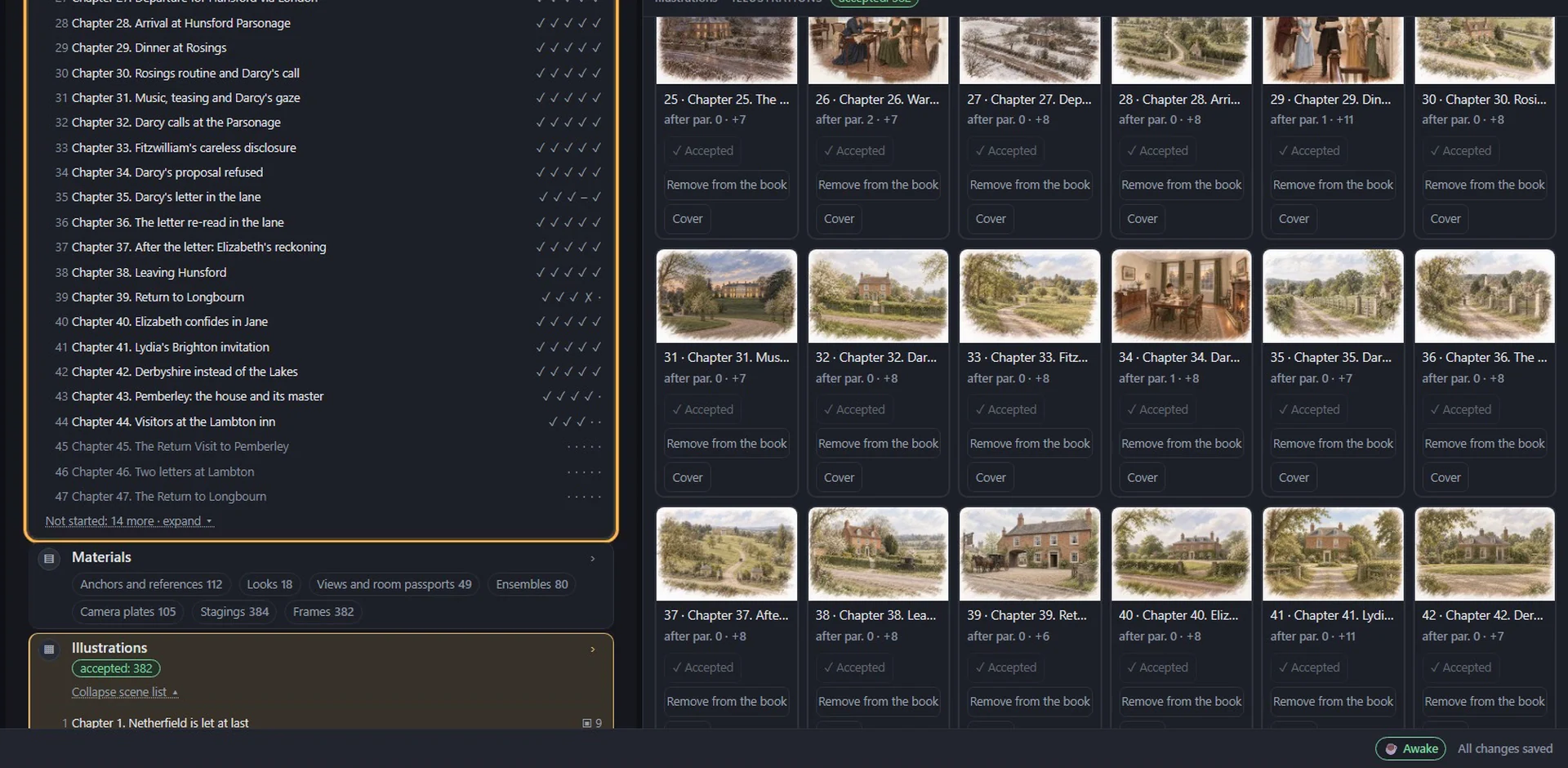
One style for the whole book
Twenty built-in drawing styles, from cinematic realism and anime to retro magazine art and classic oil. You can also describe your own style in words and see a test picture before you choose. The style you pick holds for the whole novel, along with the faces. All 20 styles side by side →
When a picture goes wrong
Image models still make mistakes: an extra finger, the wrong cloak, a face that drifts. AuthorCat gives you the tools of an art editor, and nothing changes in the book until you approve the new picture.
-
Mark and fix. Circle the problem right on the picture and add a note if you like. The picture is redrawn as a whole; the new variant appears beside the original, with a note on what was found and what was changed.
-
Review the whole novel in one pass. Mark defects with one key — anatomy, number of people, body and object, size and shape of a thing, other, unlike the reference — then fix them all in one task. For “unlike the reference”, the fix gives the model that character’s or place’s reference.
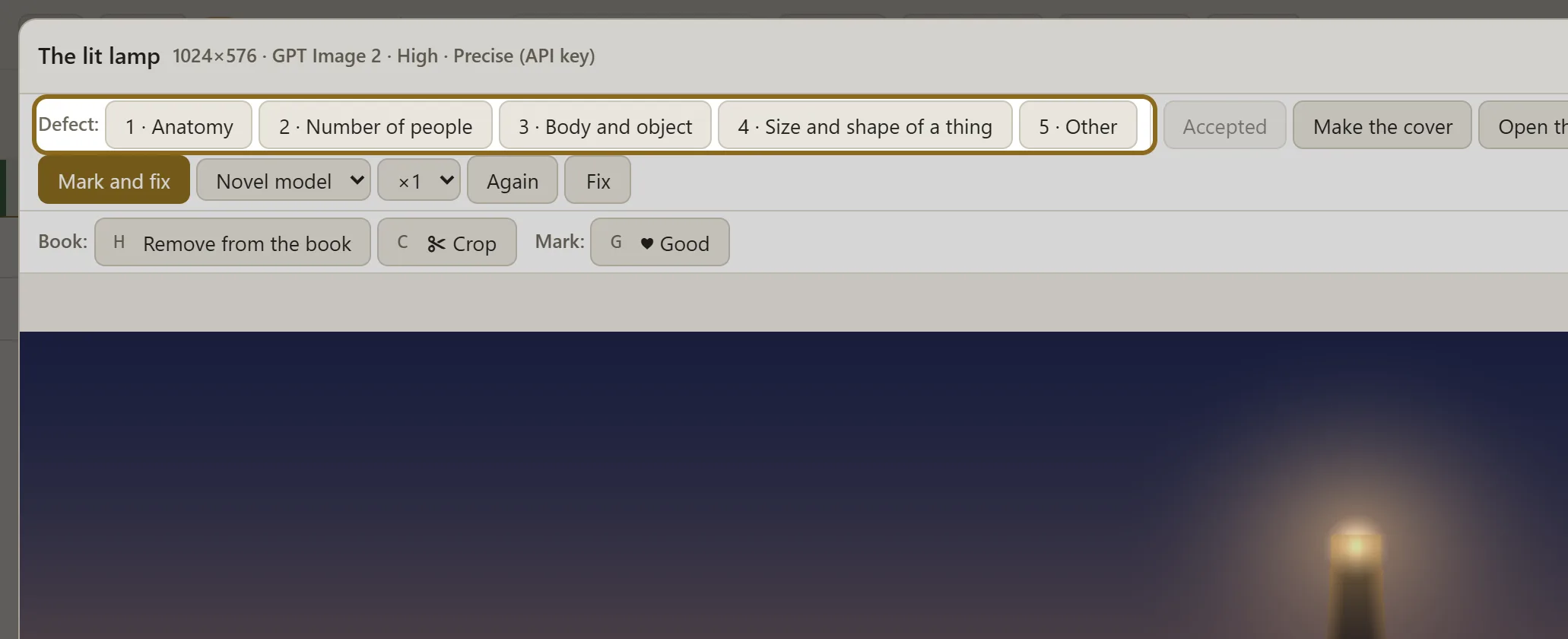
The picture viewer: defect types in one row, Mark and fix, Remove from the book, Crop, Good Swipe across the picture to look closer Open the full-size file -
No redraw needed. Crop away an edge with a defect, remove a shot from the book, or mark the good ones — the program picks those first for videos and the cover.
From pictures to a book, and to readers
Export the novel to EPUB, FB2 or DOCX with the pictures in place; any picture can be the cover. Illustrated scenes become live-reading clips for TikTok, Instagram and YouTube: the text phrase by phrase under the pictures, with music written for your novel.
Pictures are drawn on your ChatGPT subscription through the Codex app, or with an OpenAI key. Everything around them — traits, descriptions, shot plans — runs on the Claude or ChatGPT subscription you already have. AuthorCat adds no markup. How the subscription connects →
Questions about illustrations
Can AI keep the same character across a whole novel?
Yes. AuthorCat describes every character in words, makes a portrait and a full-length reference, and draws each scene from those references, checking the picture against them. In Pride and Prejudice, 47 characters keep their faces across 728 pictures. When a picture still drifts, mark it “Unlike the reference”: the fix redraws it with that character’s reference.
Can I illustrate a novel I have already written?
Yes. Upload the manuscript as TXT, DOCX, DOC, PDF or FB2. AuthorCat unpacks it into scenes and a canon of characters and places, and the illustrations start from there.
Do I have to finish the novel first?
No. You can start illustrating before the last scene is written. The automation draws the scenes you have accepted.
Which drawing styles are there?
Twenty built-in styles, from cinematic realism and anime to retro magazine art and classic oil; all of them are shown side by side on the illustration styles page. You can also describe your own style and see a test picture before you choose.
How many pictures can I make?
As many as the book needs: from the key moments of each scene to a picture for every turn. Pride and Prejudice has 728 pictures for 61 chapters.
What does it cost?
AuthorCat is free while the beta runs. Pictures are drawn on your ChatGPT subscription through the Codex app, or with an OpenAI key billed by OpenAI. AuthorCat adds no markup.
Can the pictures go into the book?
Yes. Export to EPUB, FB2 or DOCX with the key pictures or all of them in place; any picture can be the cover. Pictures marked as defects are left out by default.
Step by step
Illustrate your novel in AuthorCat
AuthorCat is an AI studio for storytellers: write, analyze, illustrate, translate and promote a novel in one workspace. The beta is open and free.
Start free See everything AuthorCat does
Windows 10/11 (64-bit) and Macs with Apple silicon (M1 or later).